
TraffiCure Help All modules →
What do you need to do?
Start from the job, not the screen. Every guide walks you through the real app, one click at a time.
Today
Live operations: what is happening, and what to do.
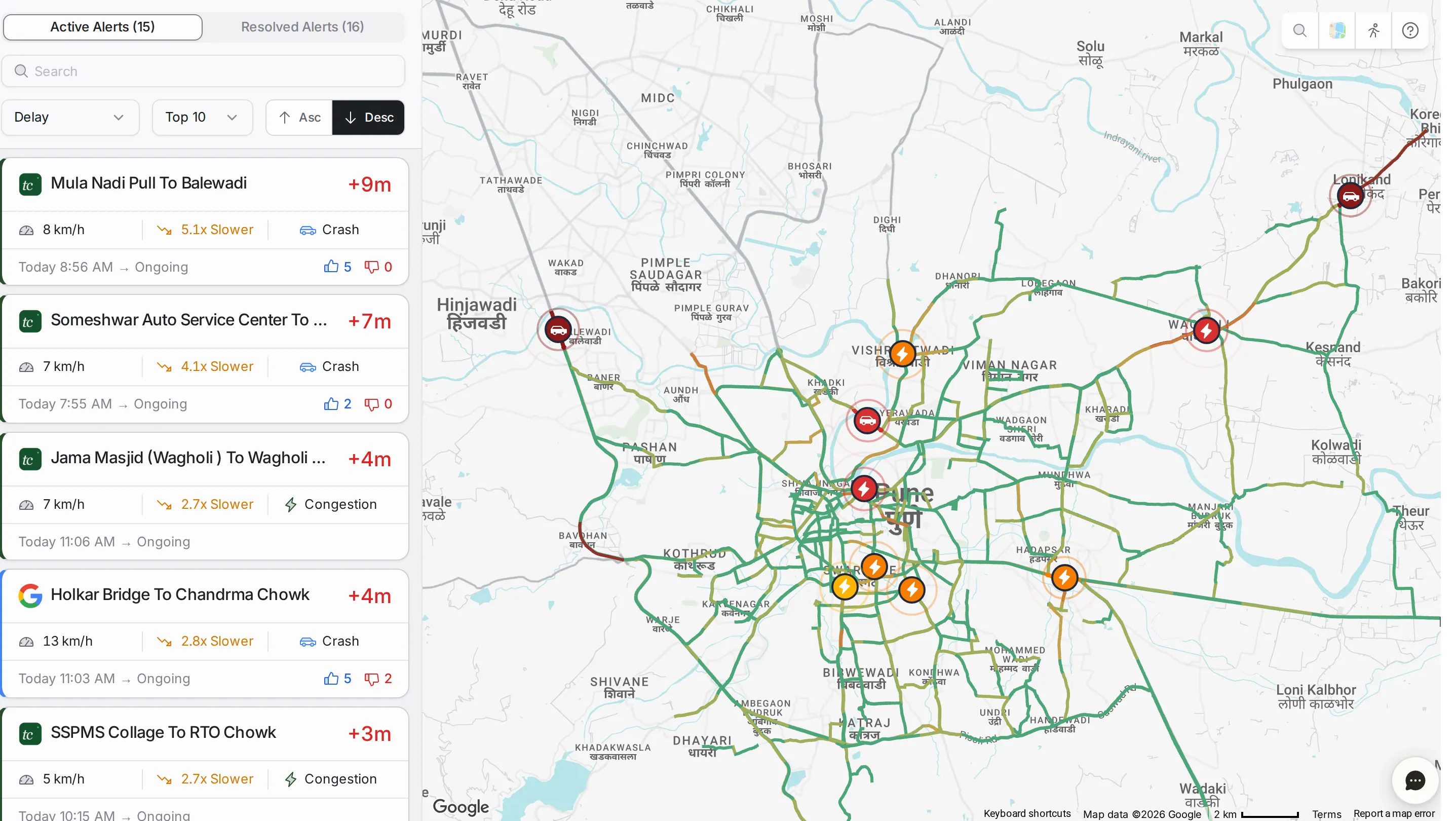
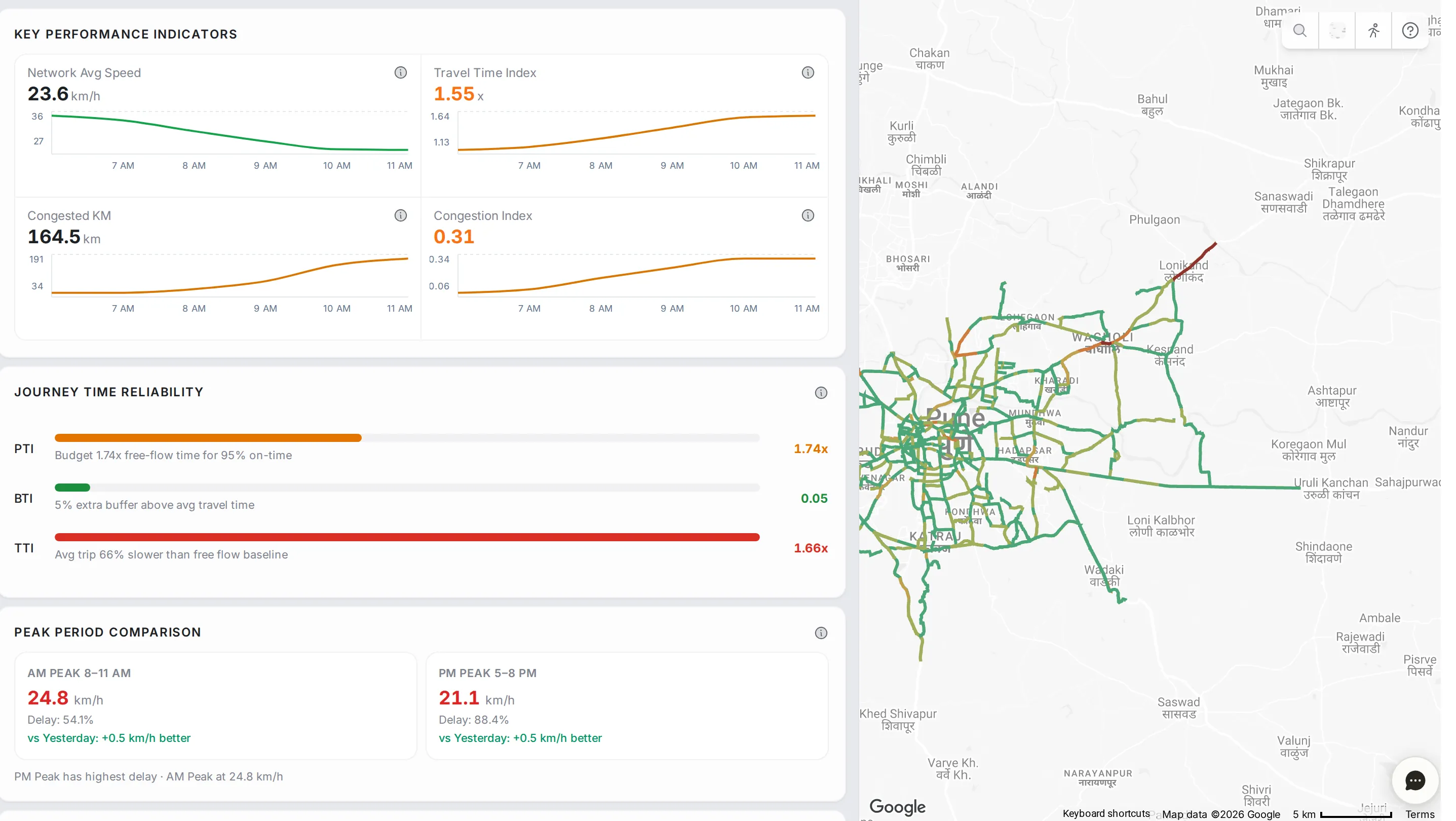
Alerts · 8 steps · 3 min Respond to a slowdown See what's jammed and why, and get a plan from the assistant. Network Analytics · 5 steps · 1 min Check how the whole city is doing Speed, delay, the kind of trouble and the worst hotspots, on one screen. CityPulse · 4 steps · 1 min See what drivers are reporting Crashes, floods, closures and construction reported by drivers, grouped into hotspots. Route Monitoring · 8 steps · 2 min Watch a VIP or ambulance route Draw a route, save it, and watch it live, stretch by stretch. CityPulse · 5 steps · 1 min Plan tomorrow's deployments The roads TraffiCure expects to be worst tomorrow, to plan who goes where.
This week
Find the problems that repeat, and test the fixes.
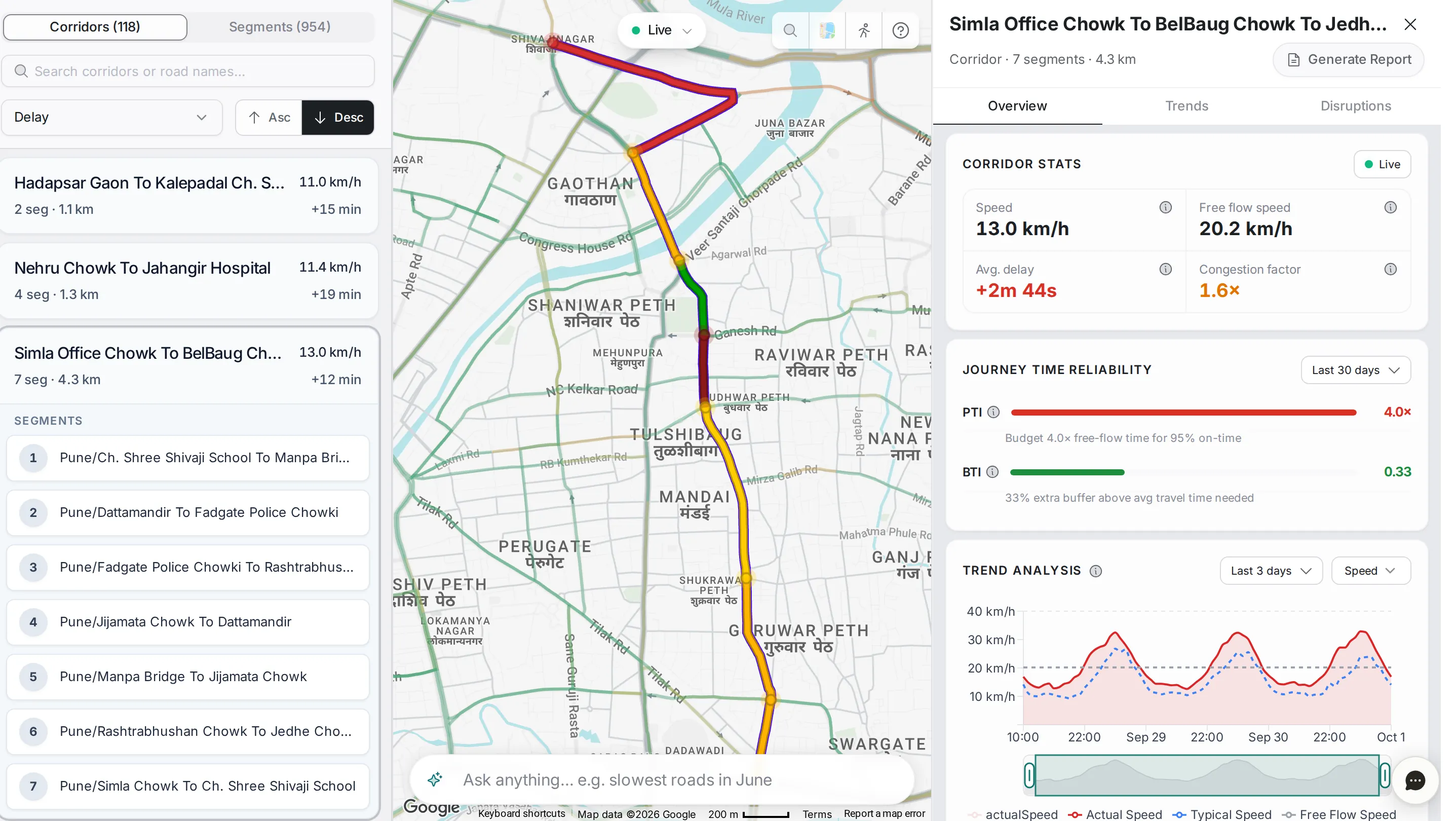
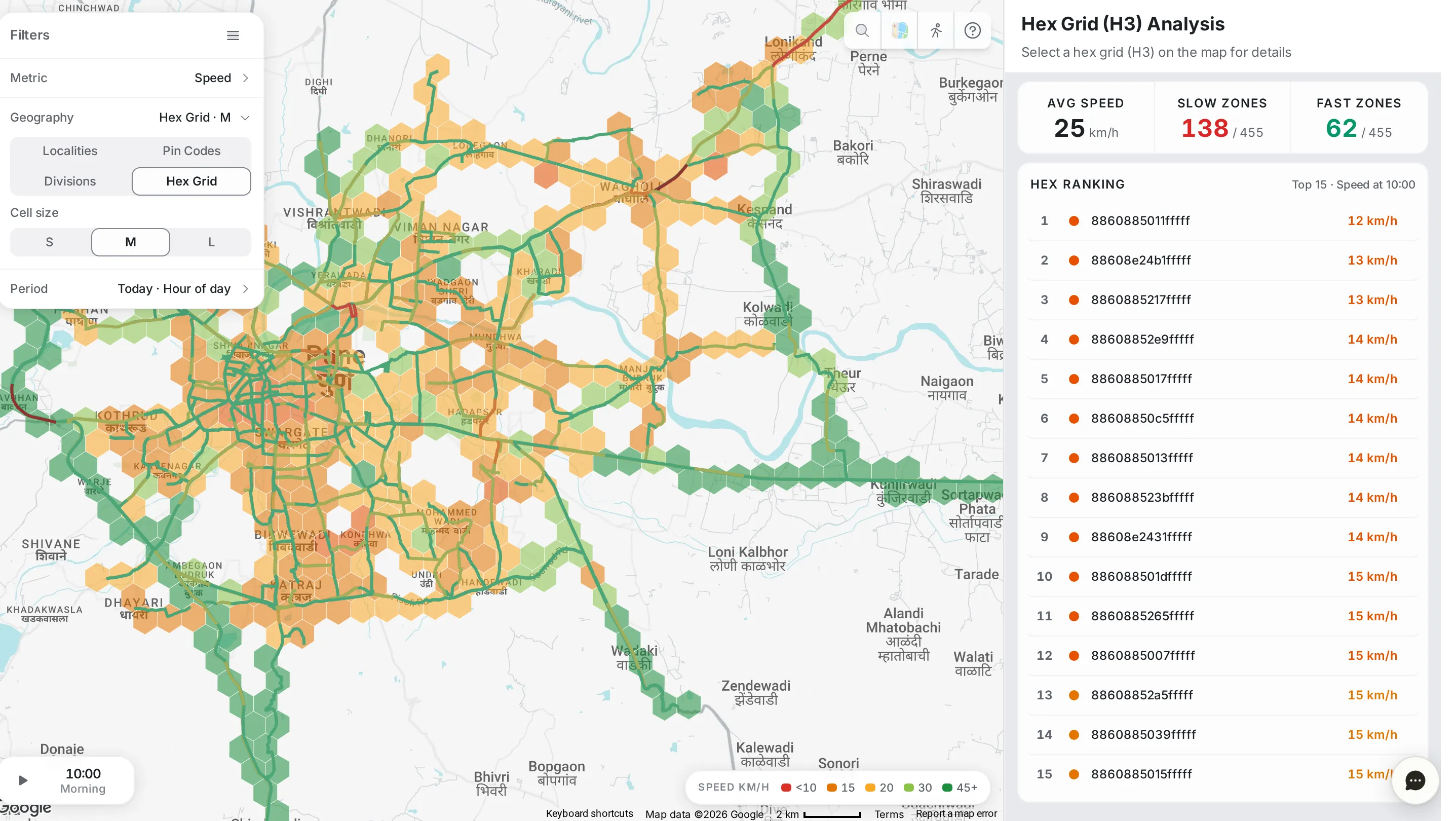
Area Analysis · 12 steps · 3 min Find the worst area in the city Rank areas by delay at the evening peak, check it repeats, and generate the report. Junctions · 12 steps · 3 min Fix a junction that backs up Find which arm of a junction jams, at which hours, and hand the evidence to the signal team. Analytics · 6 steps · 2 min Check if a road is always slow Separate daily bottlenecks from one-offs, for any road or corridor. Analytics · 4 steps · 1 min Find the slowest roads for any day and time Type "slowest roads last Friday evening" and get the list. CityPulse · 4 steps · 1 min Find roads that are getting worse The roads whose speed dropped most this week, before they become daily jams. Vehicle Count · 5 steps · 1 min Count the vehicles on a road Vehicles per hour on every road, and when each road is busiest. Simulation · 3 steps · 2 min Test a road closure Close a road in the simulator and see the added delay and queue before you do it for real.
For the boss
Reports, good news and answers to send upstairs.
Reports · 7 steps · 2 min Prove a change worked Compare the weeks before and after a change, road by road, in one report. Reports · 6 steps · 1 min Send the morning briefing The daily briefing is written overnight. Open it, check it, send it. CityPulse · 3 steps · 1 min Show what got better The roads that got faster, and the time saved, for the weekly review. Assistant · 3 steps · 2 min Ask the assistant Ask in plain words. Get an answer with charts and the working behind it.
Every module
What each screen shows, panel by panel.
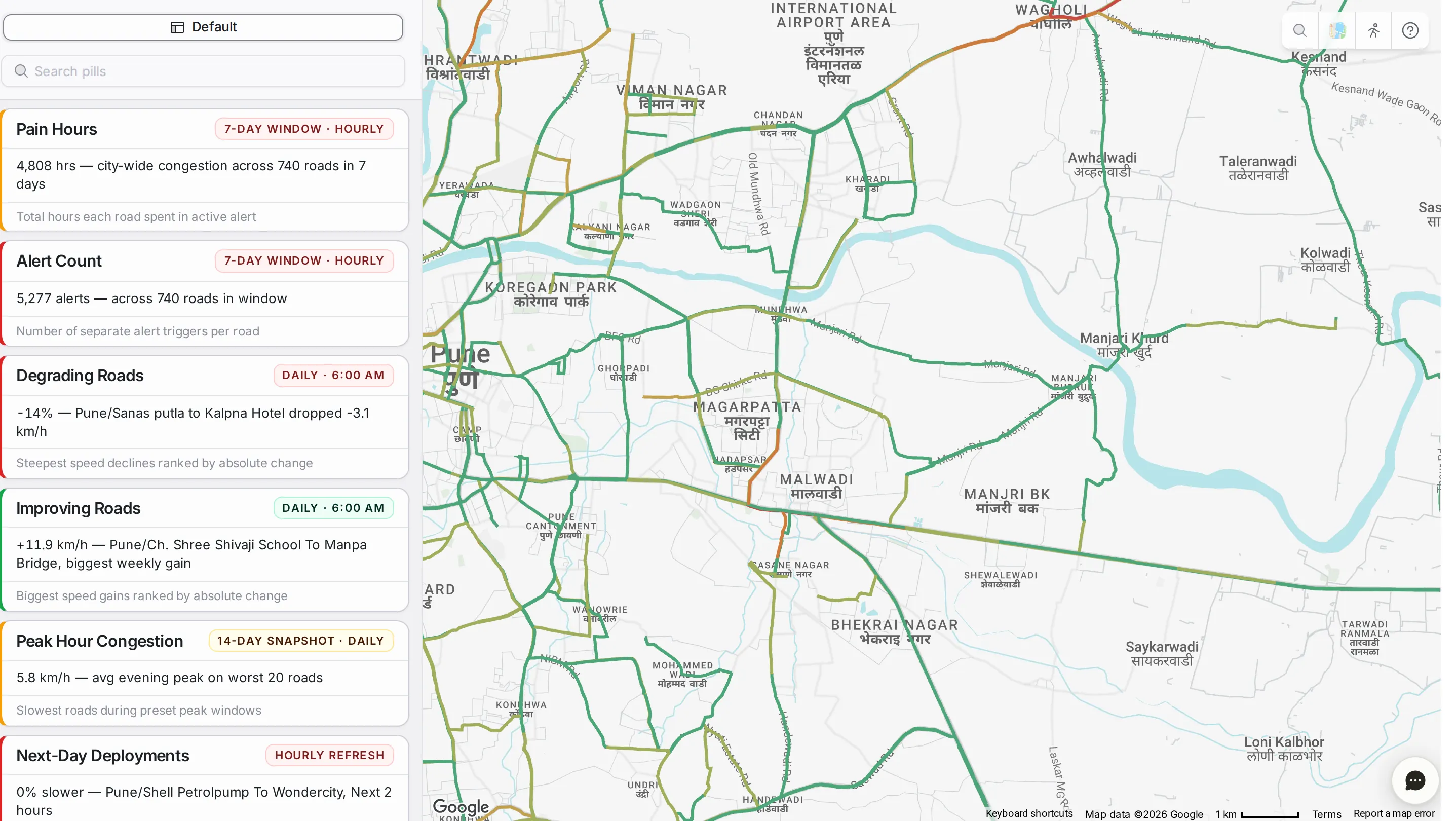
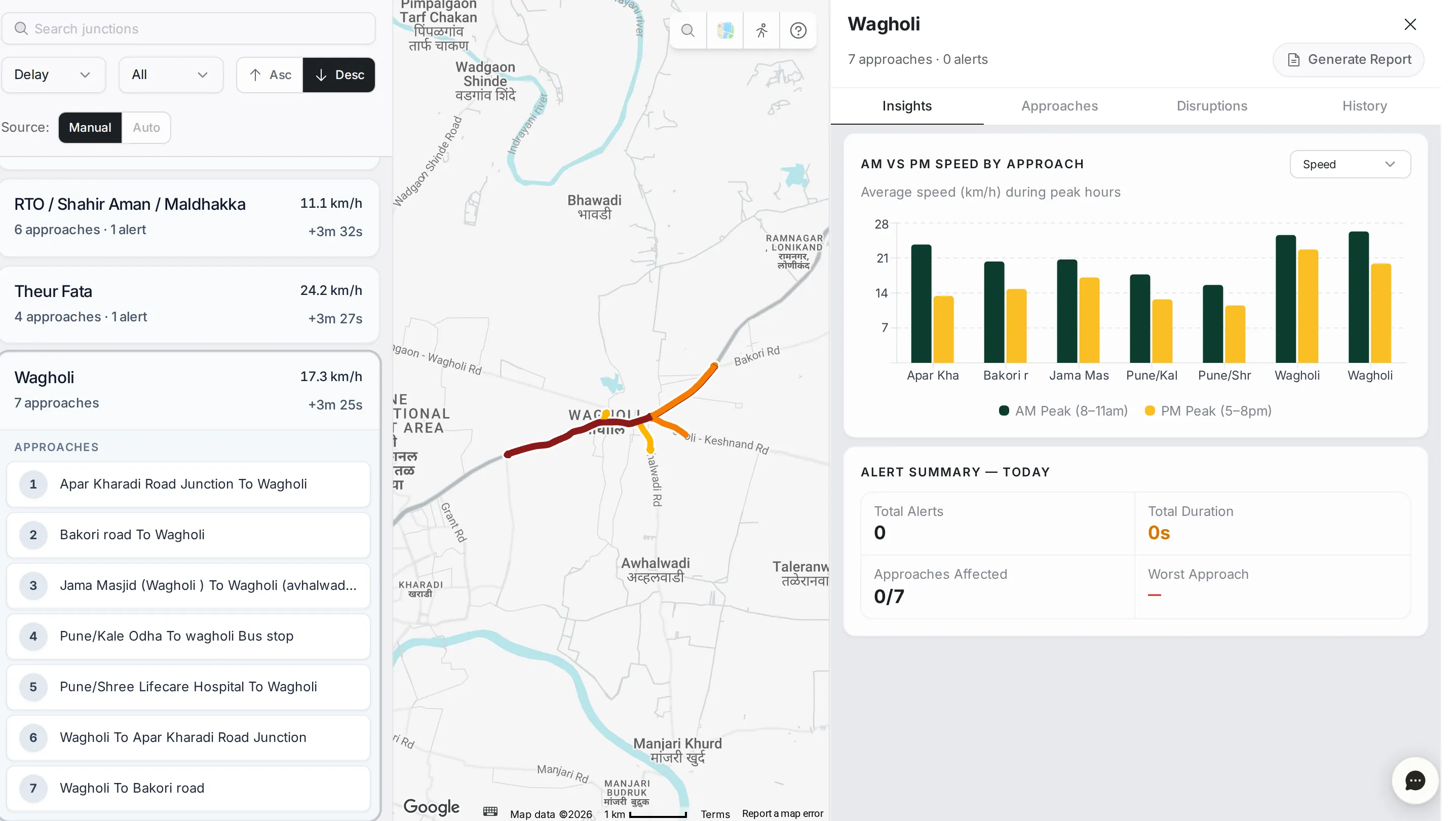
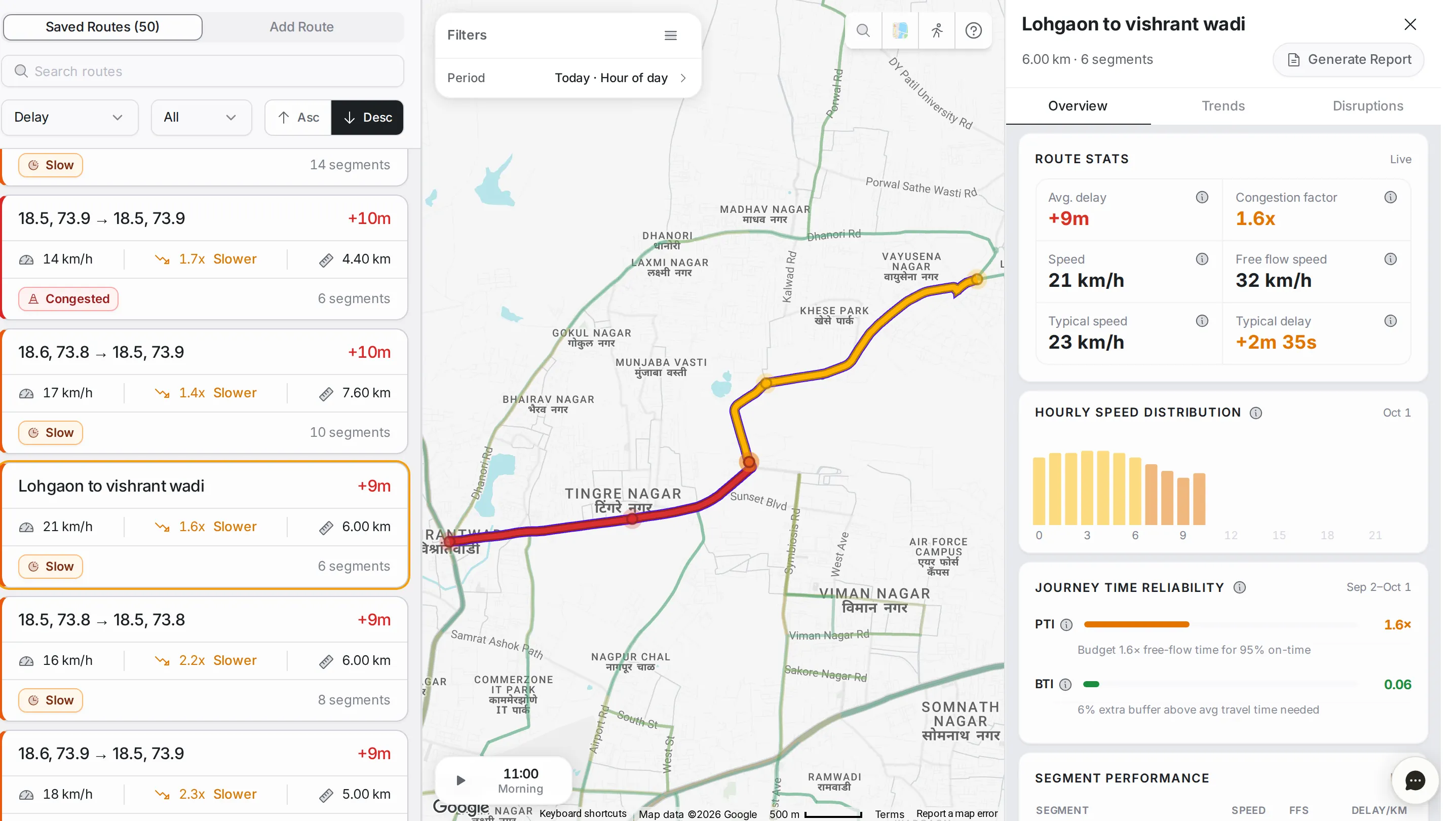
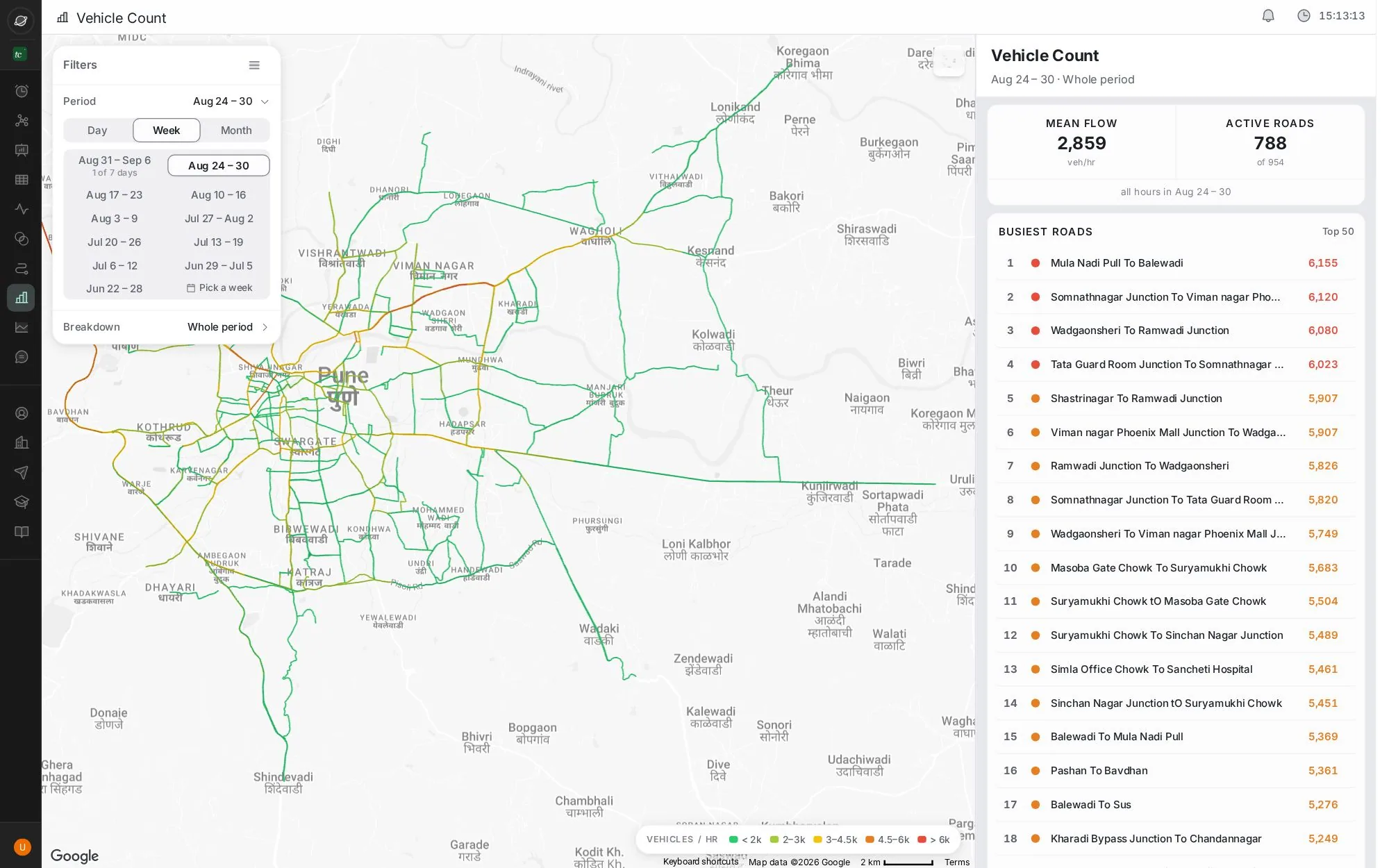
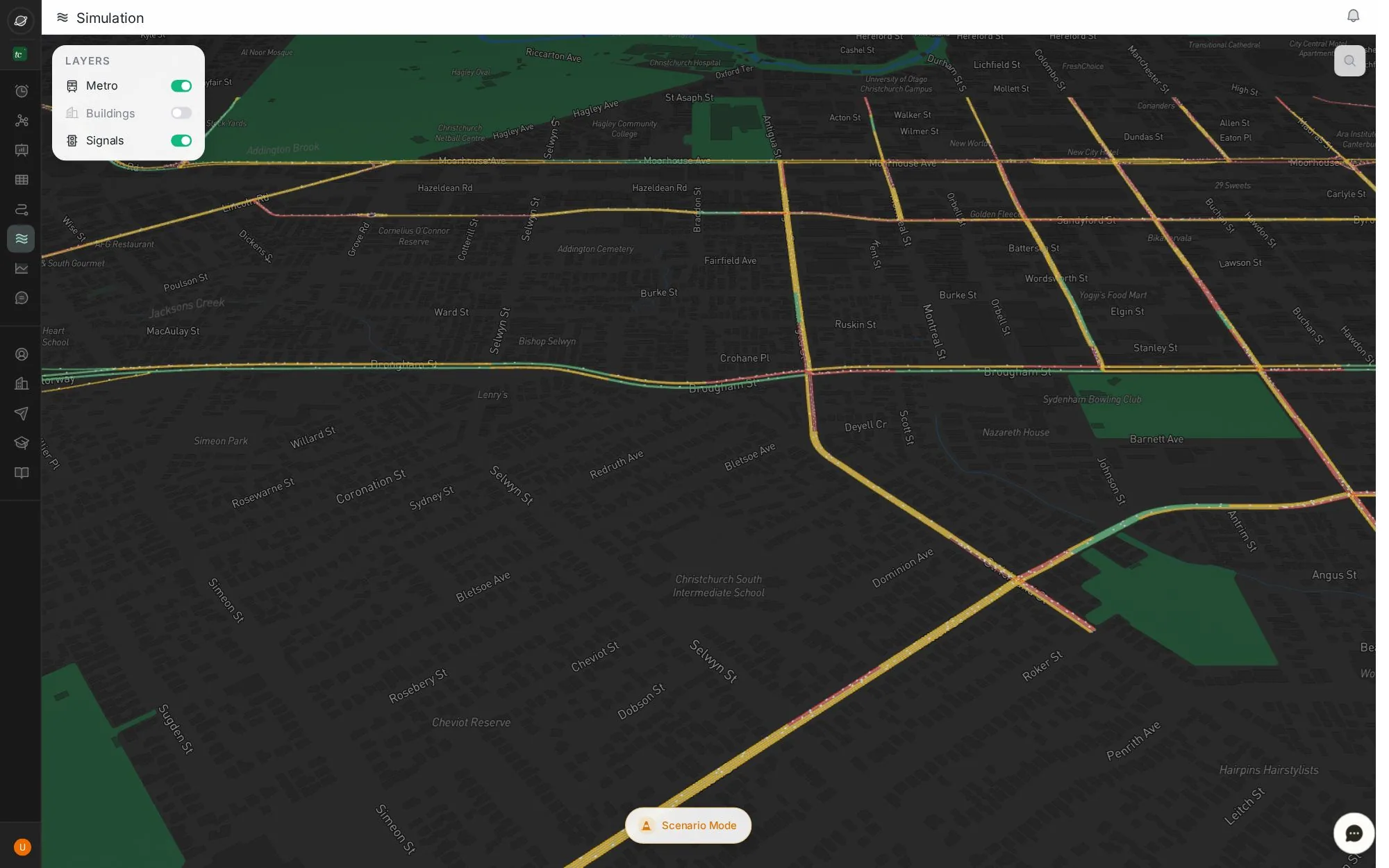
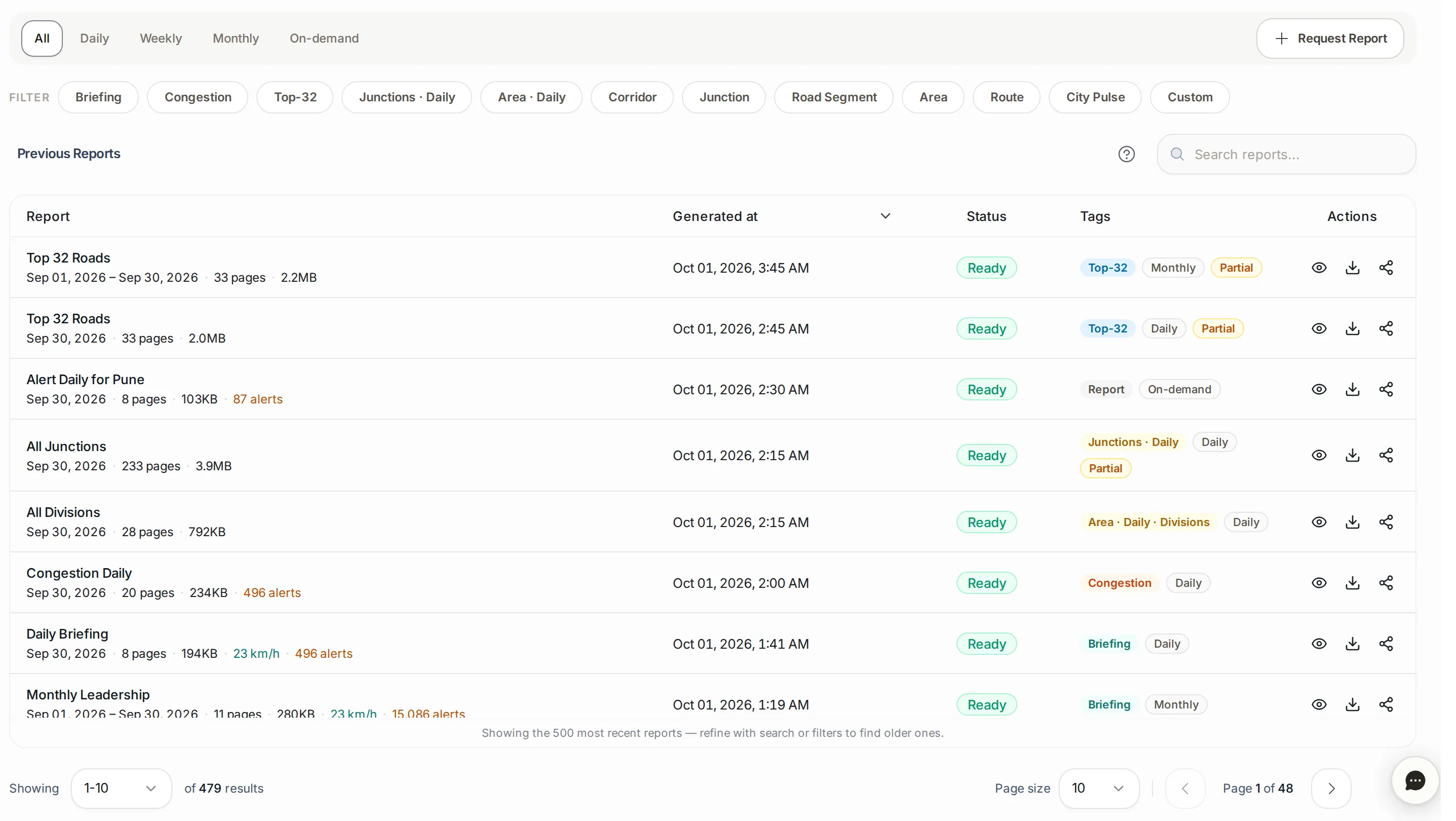
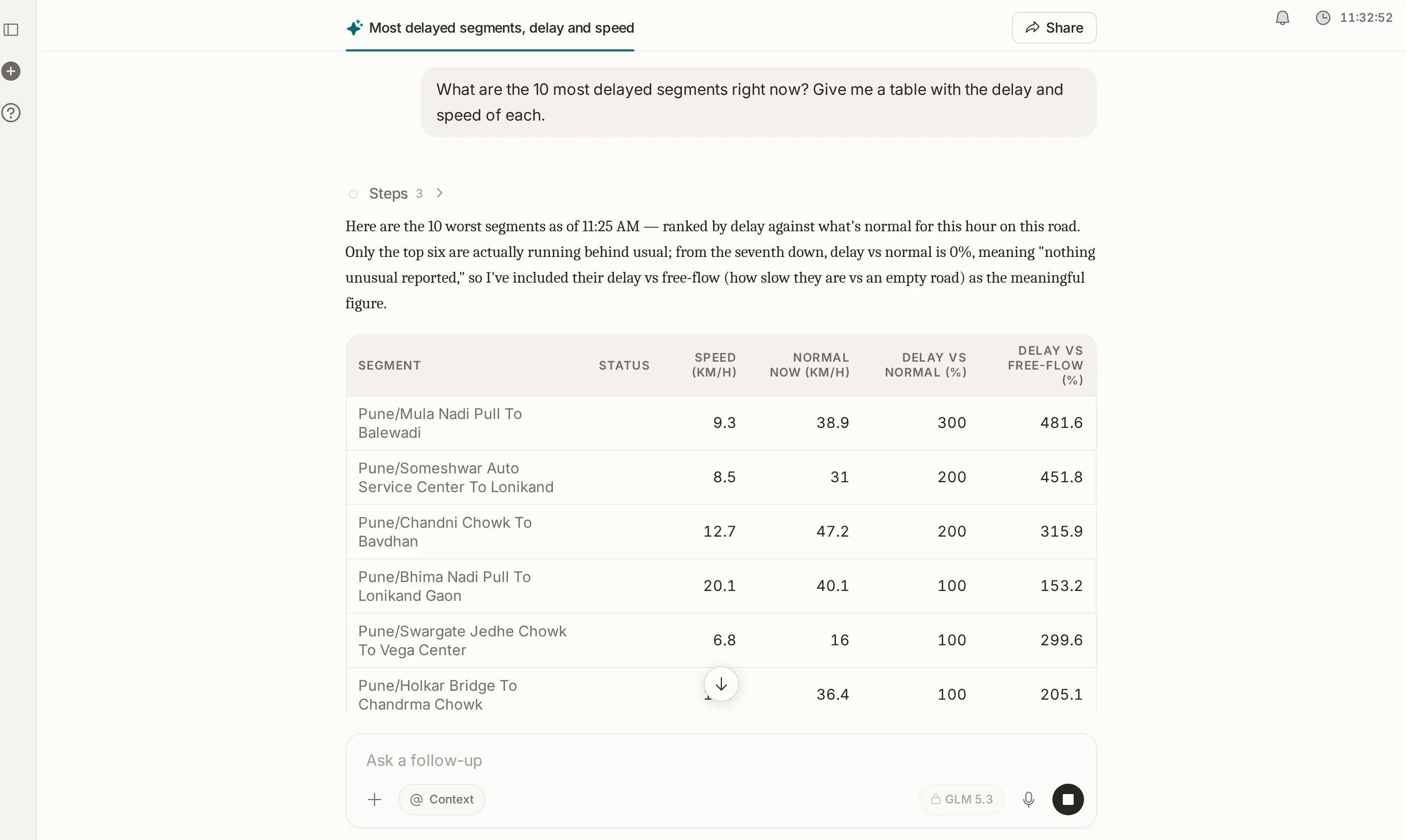
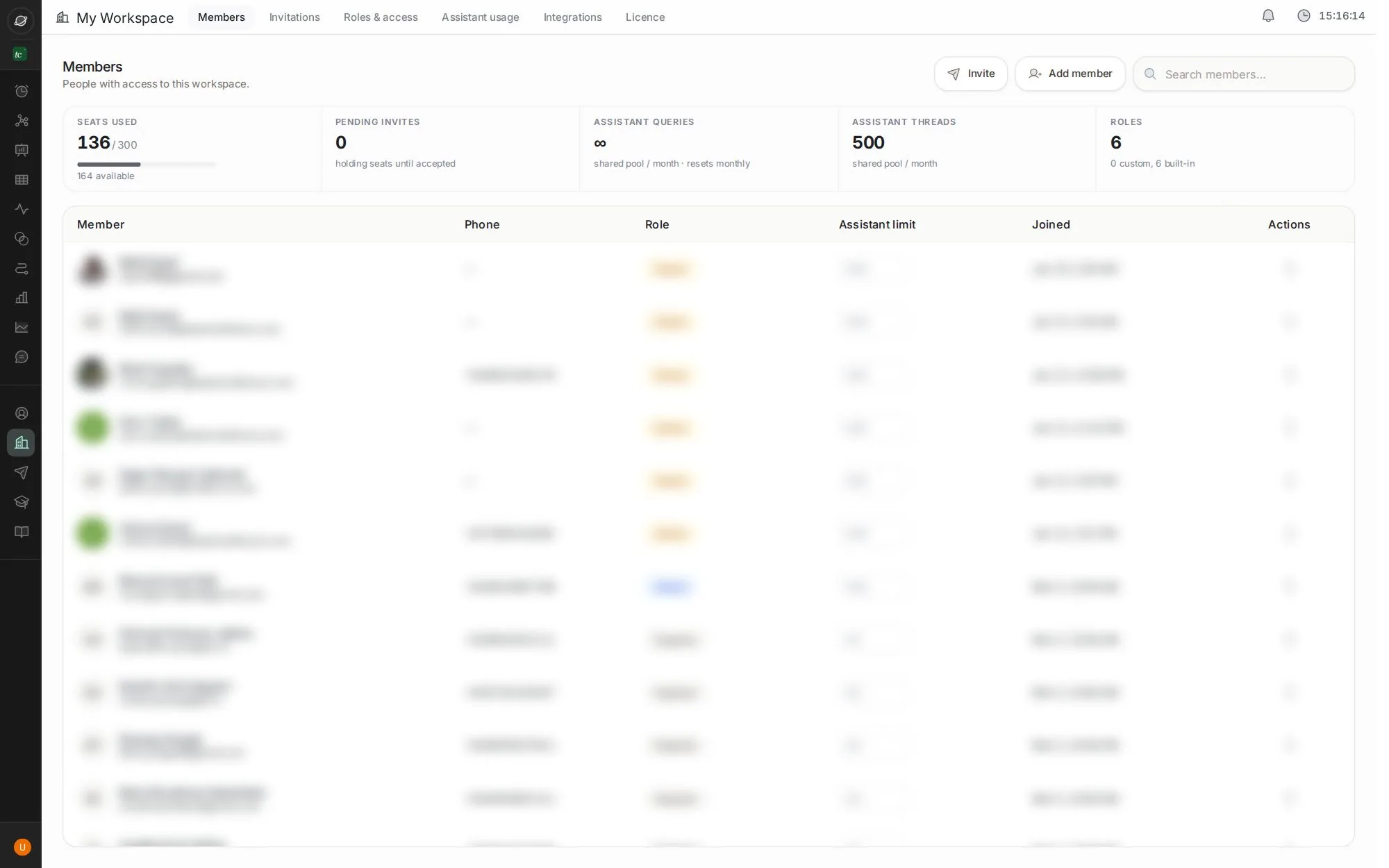
New here? 2-minute read
How TraffiCure works
From a phone on the road to an alert on your screen, in four steps. Read this once and every screen makes sense.
Start here → Look upWhat the numbers mean
Delay, typical speed, free flow, travel time index and more, each with an example.
Open the glossary → Look upEvery module
What each screen shows, panel by panel, with a numbered picture of the screen.
See the modules →What’s new in TraffiCureAll updates →
23 Sept 2026 Your assistant, now wherever you already are. feature 9 Sept 2026 See where junctions are backing up. feature 4 Sept 2026 Know when traffic is worse than usual. feature 18 of 18 guides verified in the live app · 30 Sept 2026 Can’t find it? Ask the assistant in the app, bottom-right.