
Look up 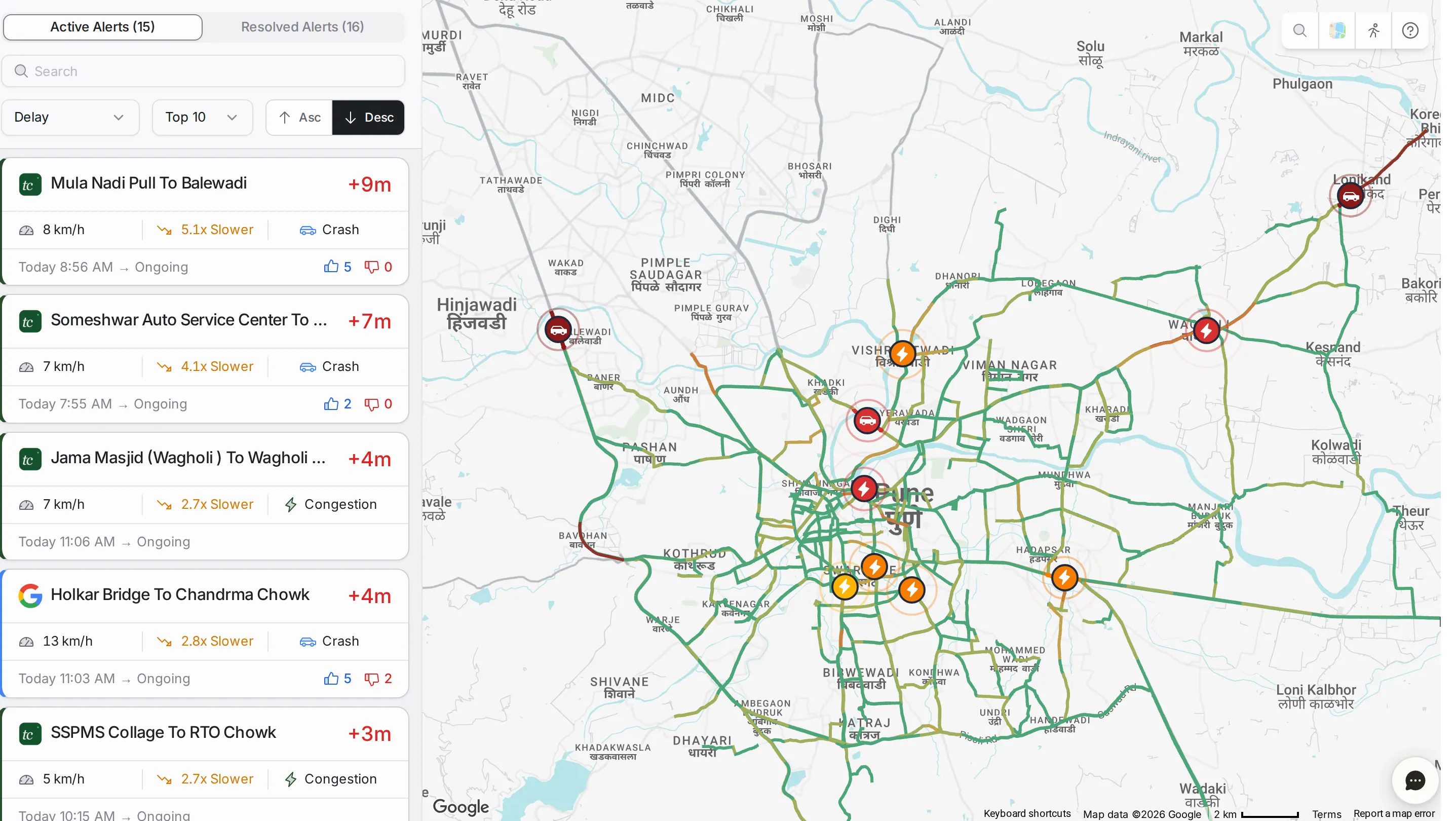
Every module
What each part of TraffiCure shows, panel by panel, with a numbered picture of every screen. For the how-to, start from a job.
1 guide Alerts A live feed of the traffic alerts on the corridors and roads you monitor.
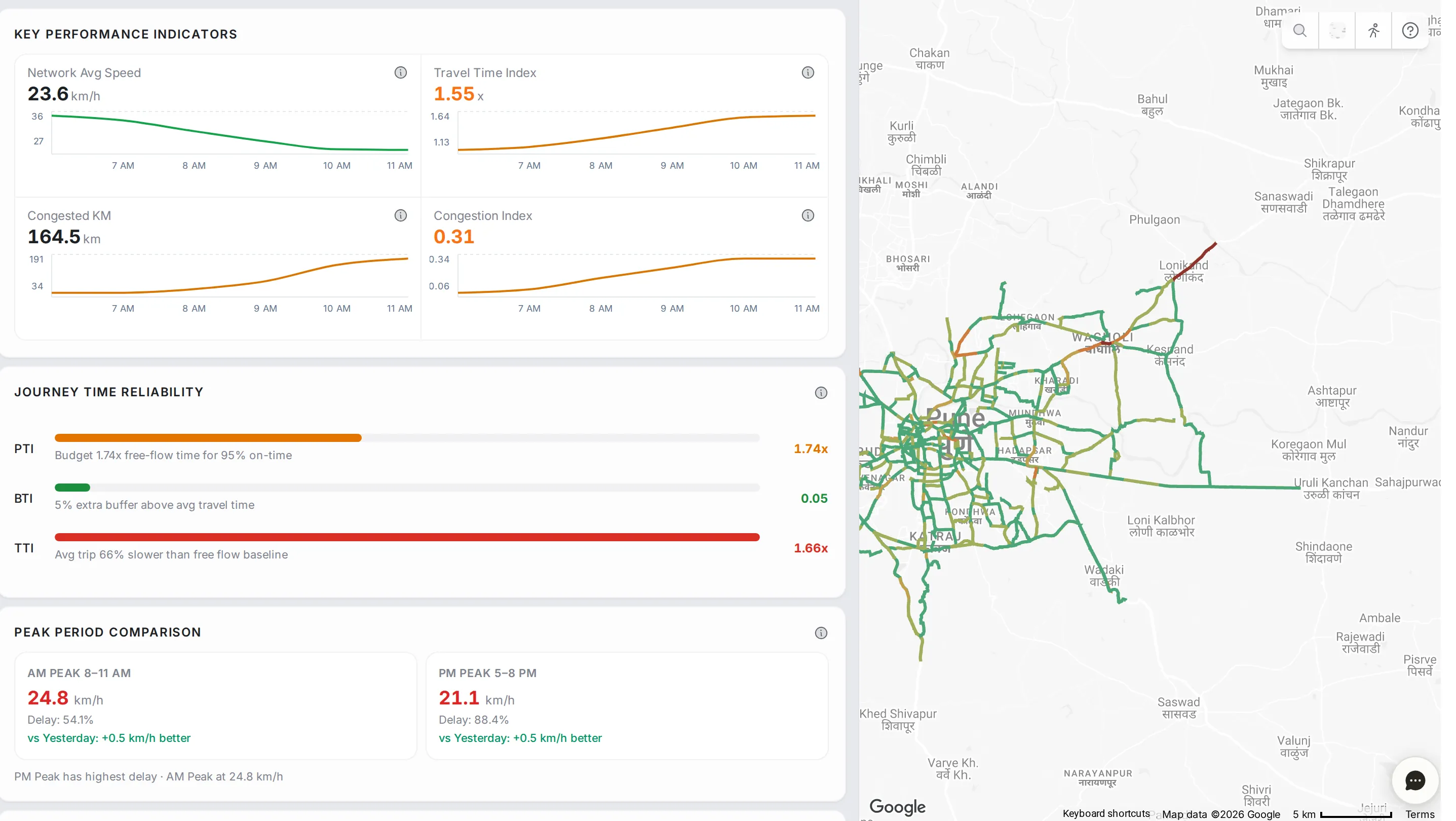
1 guide Network Analytics How your city’s whole road network is performing, on one screen.
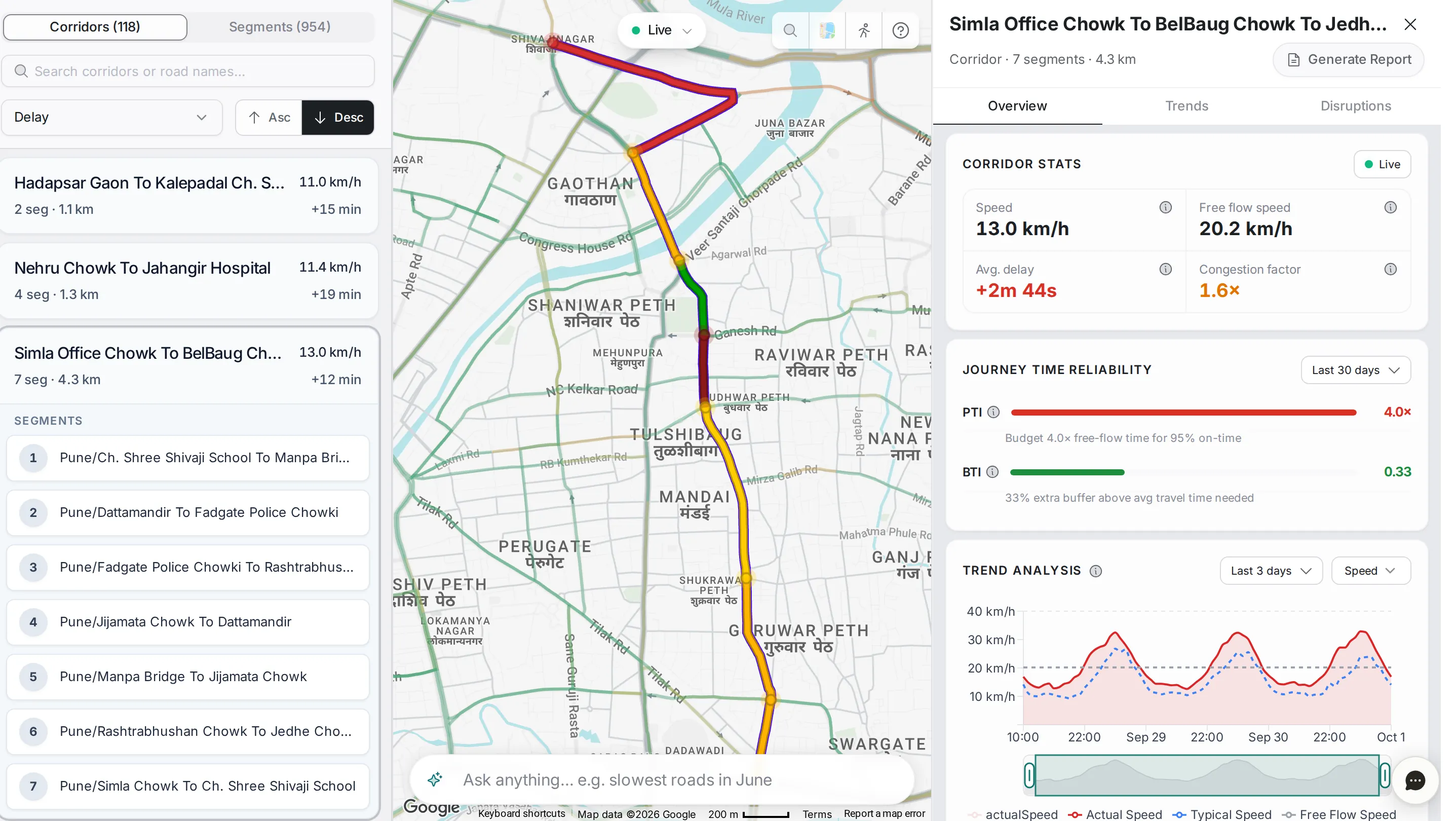
2 guides Analytics Drill into any corridor or segment: speed, delay, reliability, and the pattern behind them.
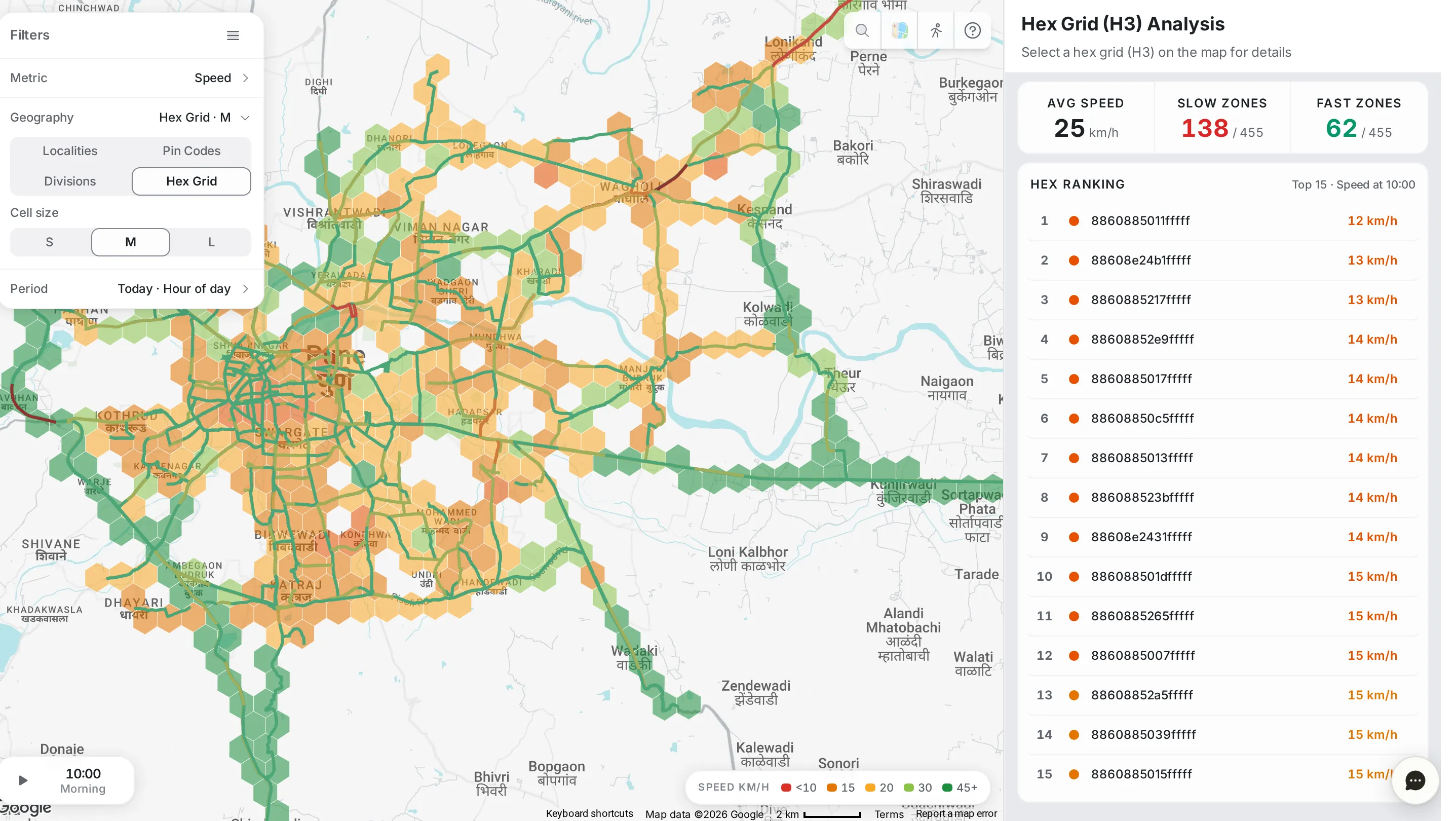
1 guide Area Analysis A heat map of speed, congestion, delay and disruptions across the city.
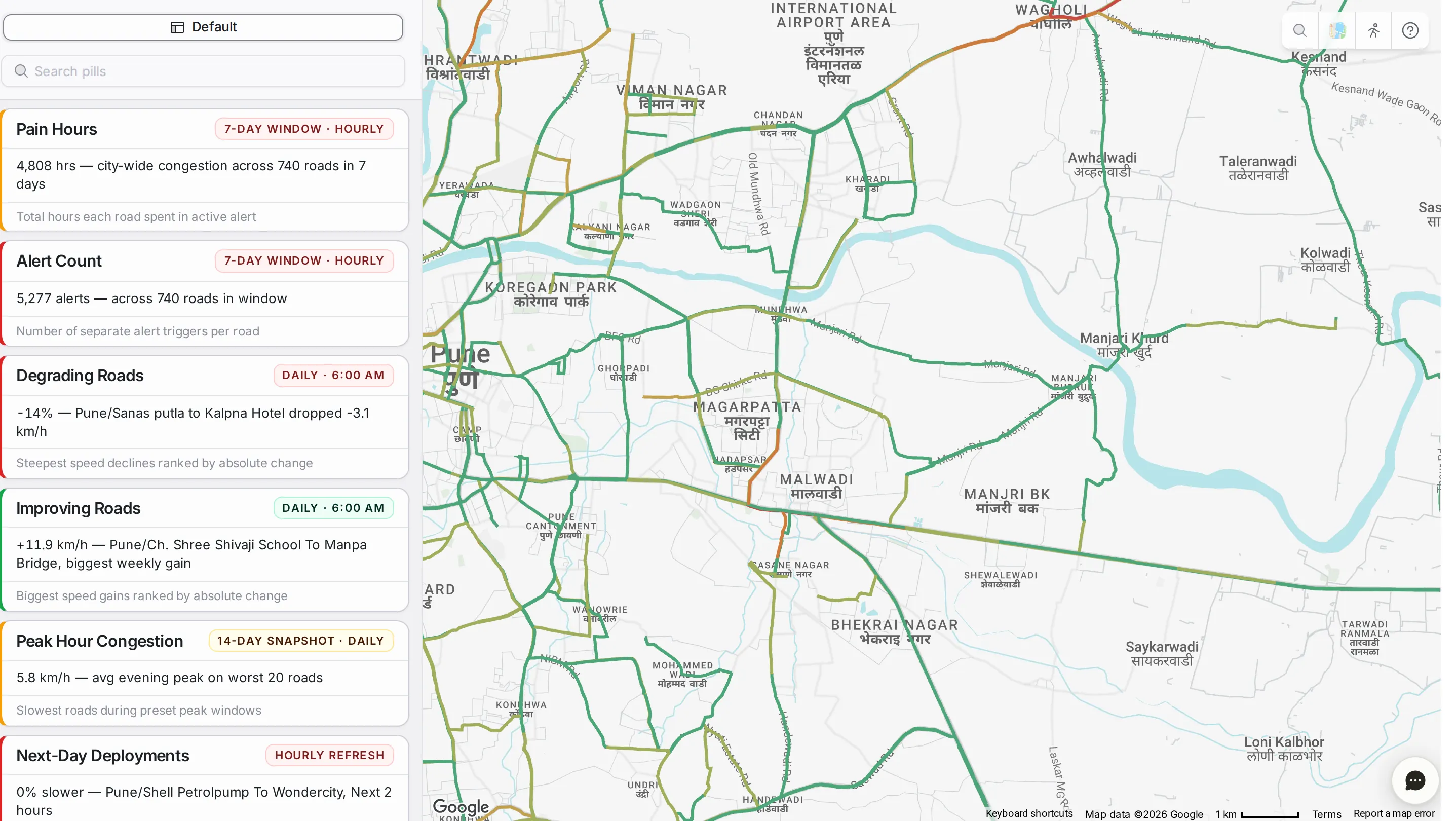
4 guides CityPulse Ready-made cards that read your road network at a glance.
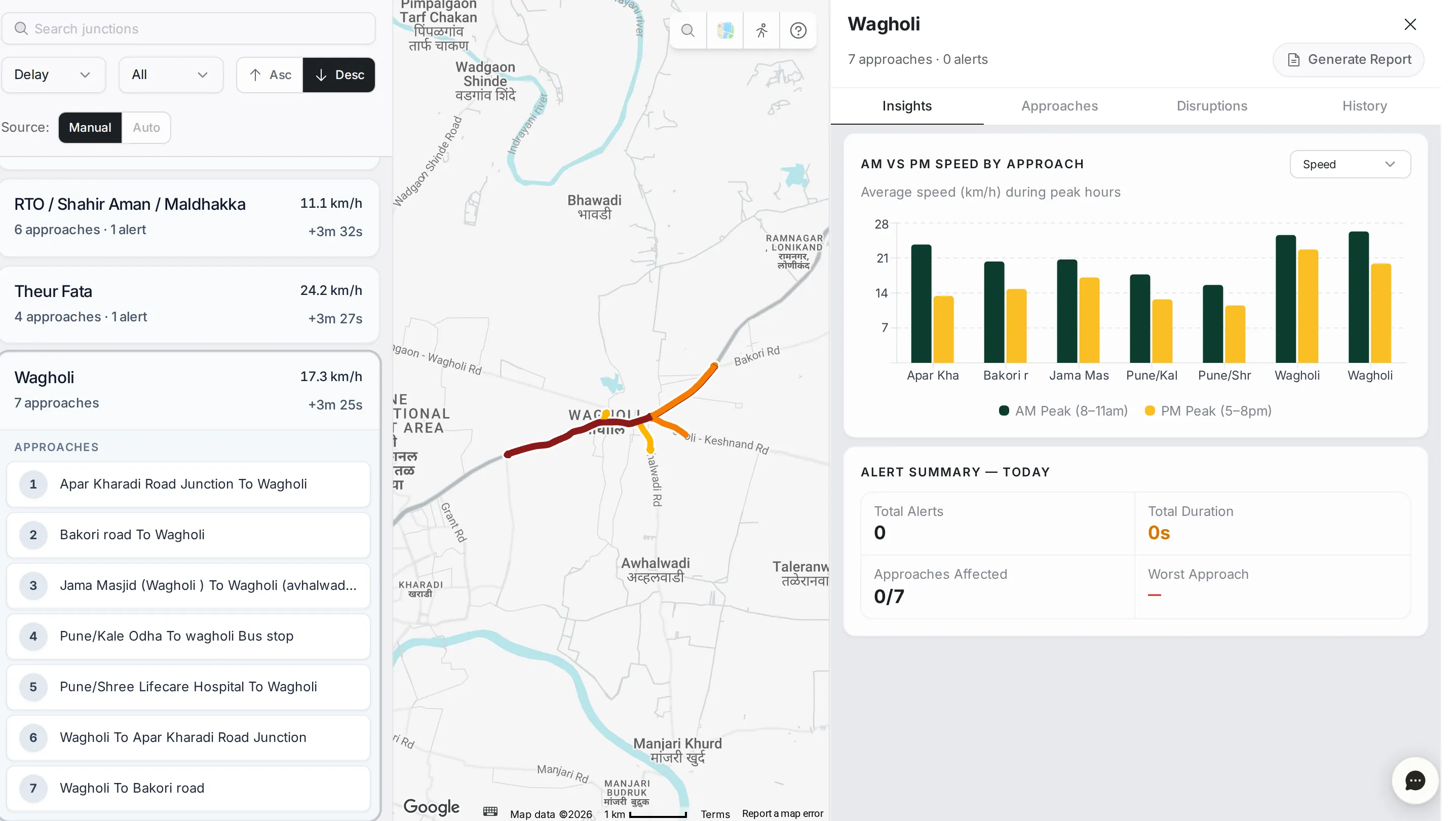
1 guide Junctions Every junction in the network, approach by approach.
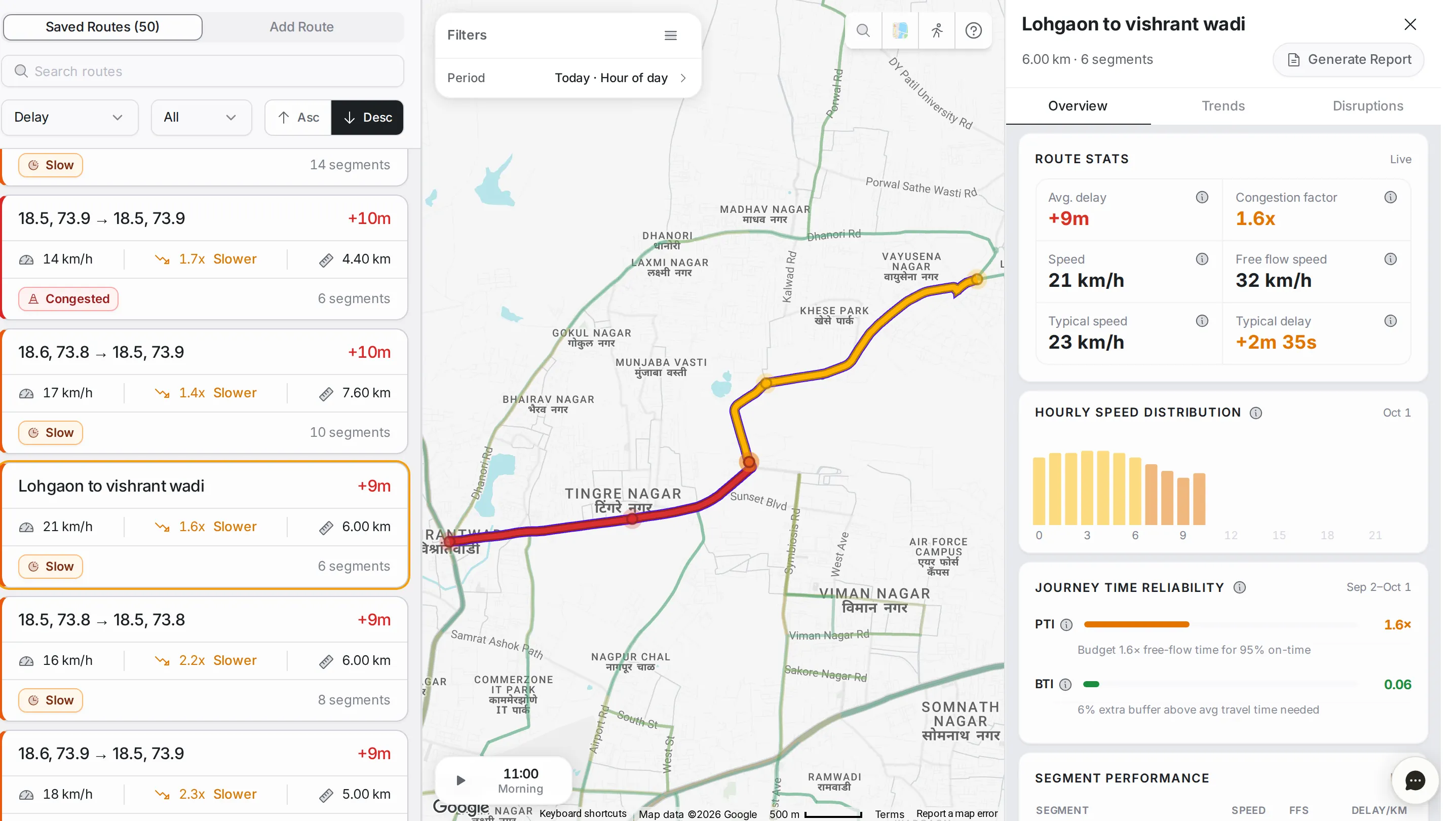
1 guide Route Monitoring Stitch roads into the routes your city cares about, and track them over time.
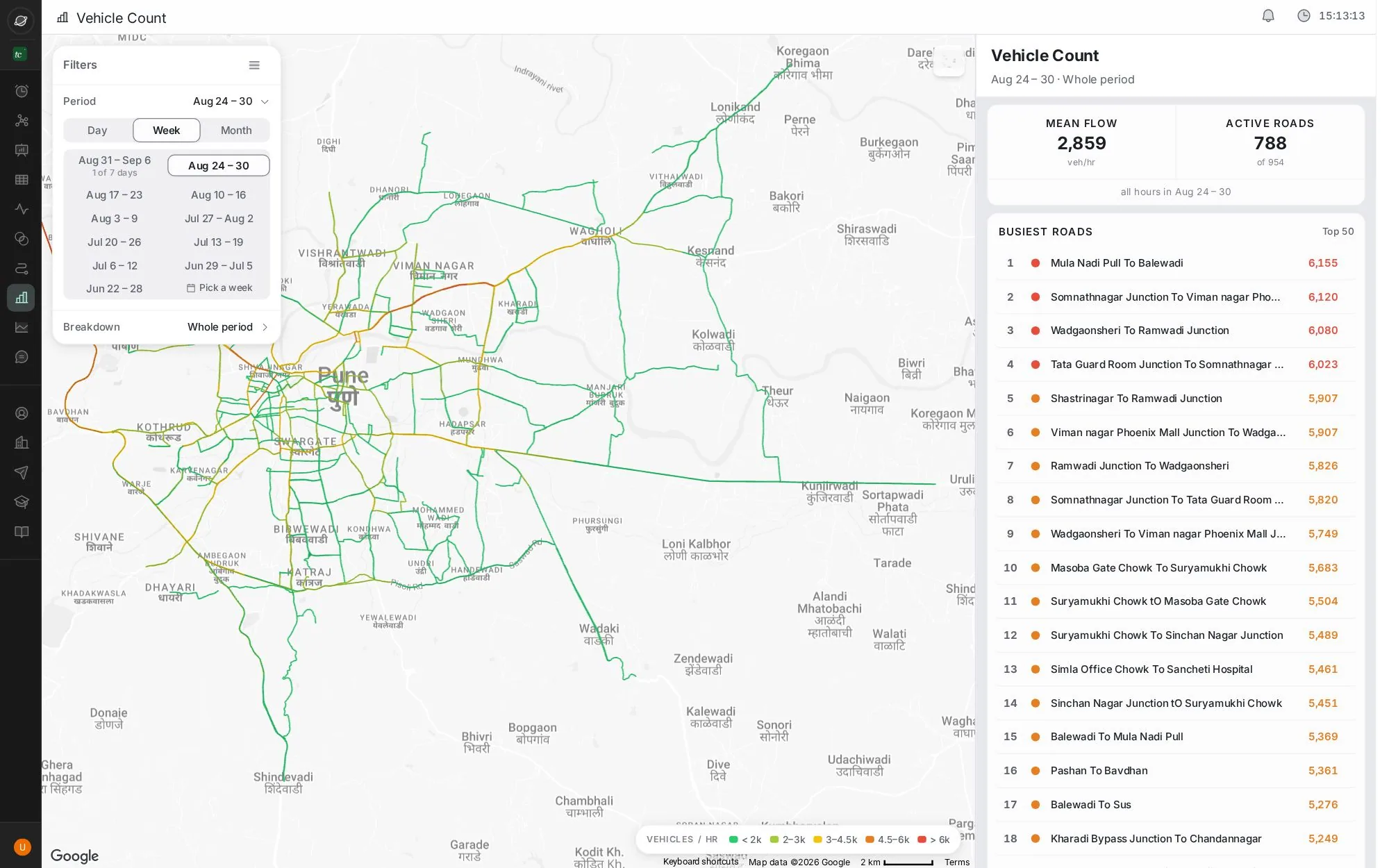
1 guide Vehicle Count Estimated vehicles per hour on every monitored road, for any week or month.
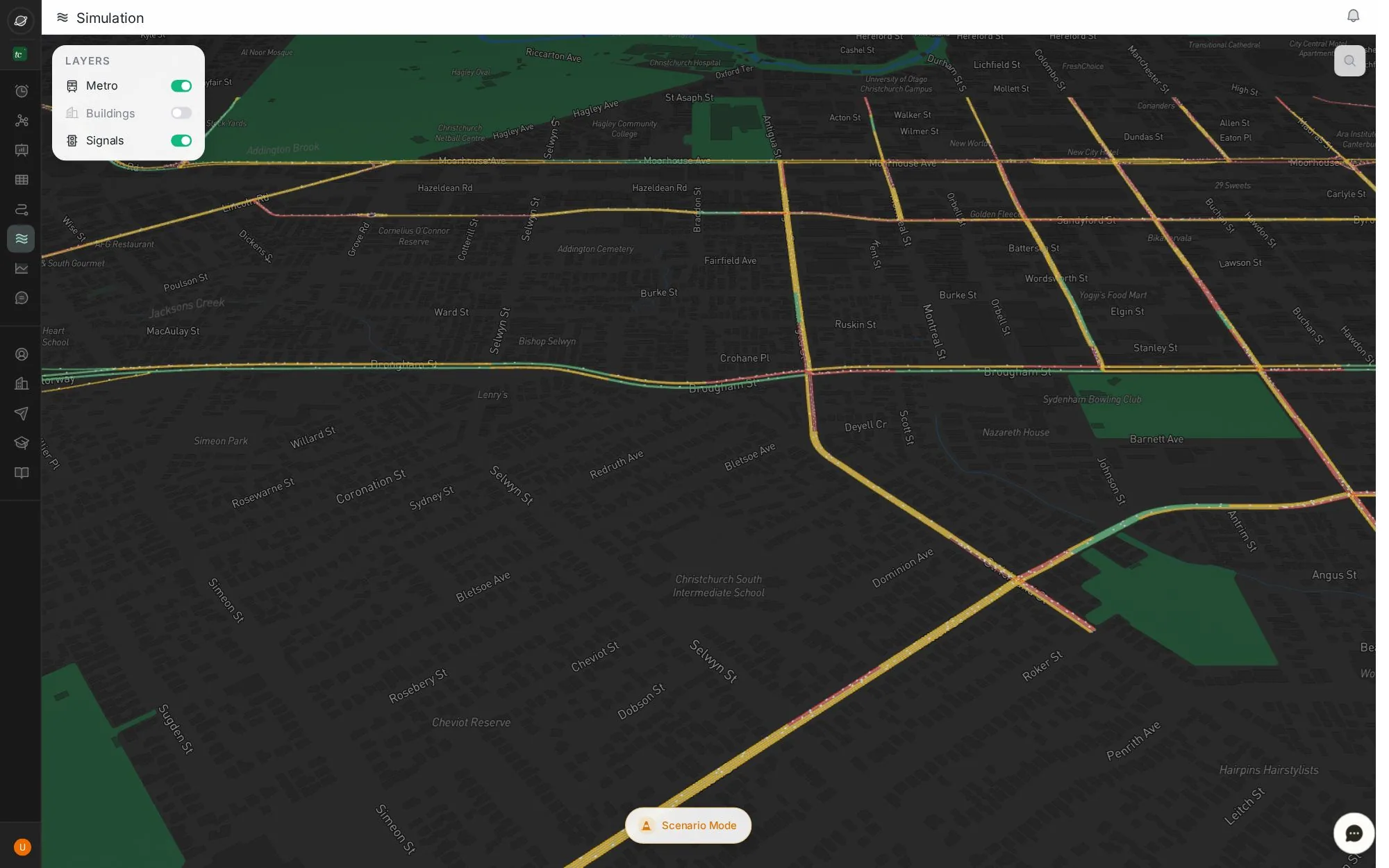
1 guide Simulation A live 3D model of the network, and a sandbox to test closures.
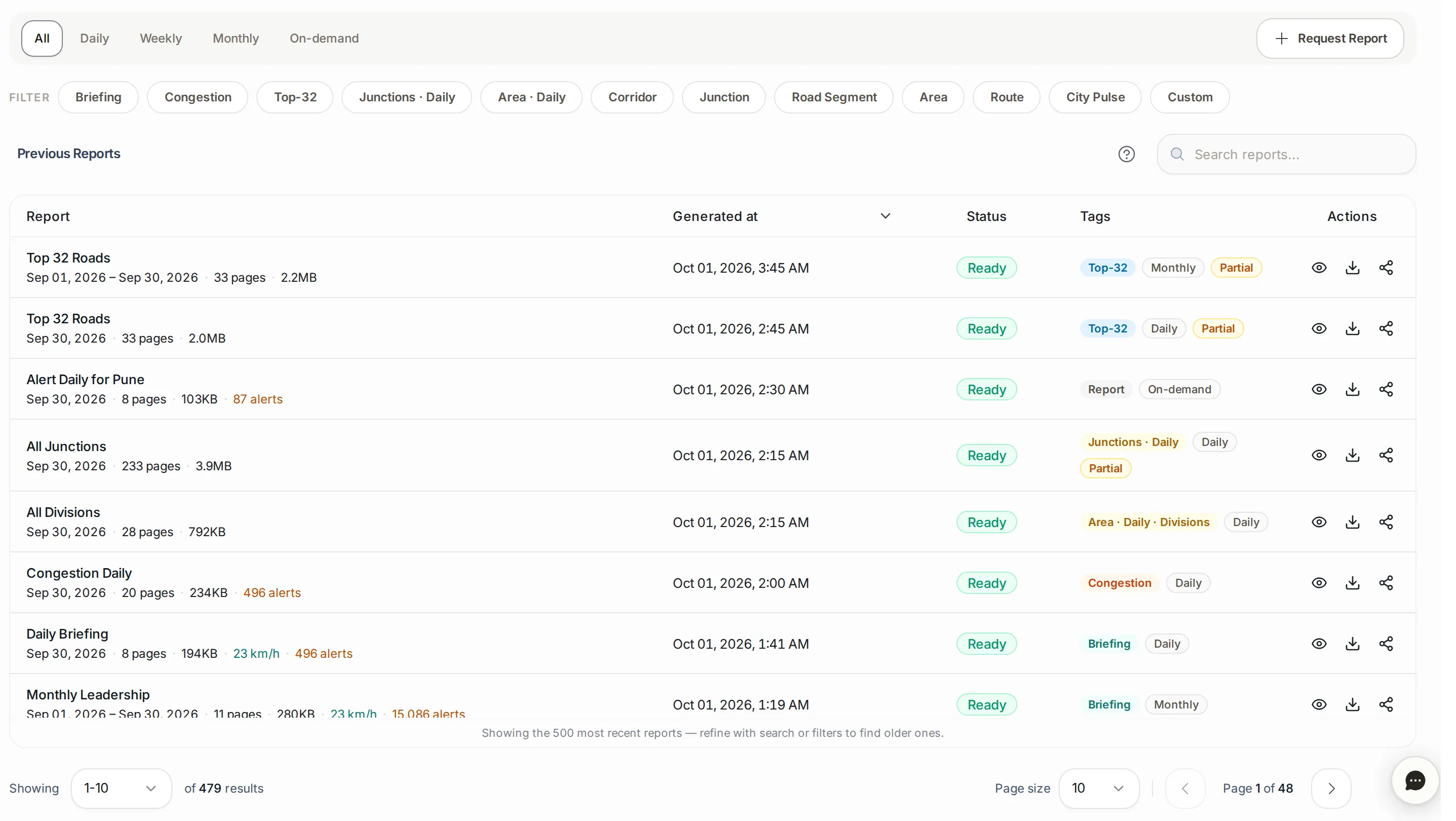
2 guides Reports Reports written automatically and on request: preview, download and share.
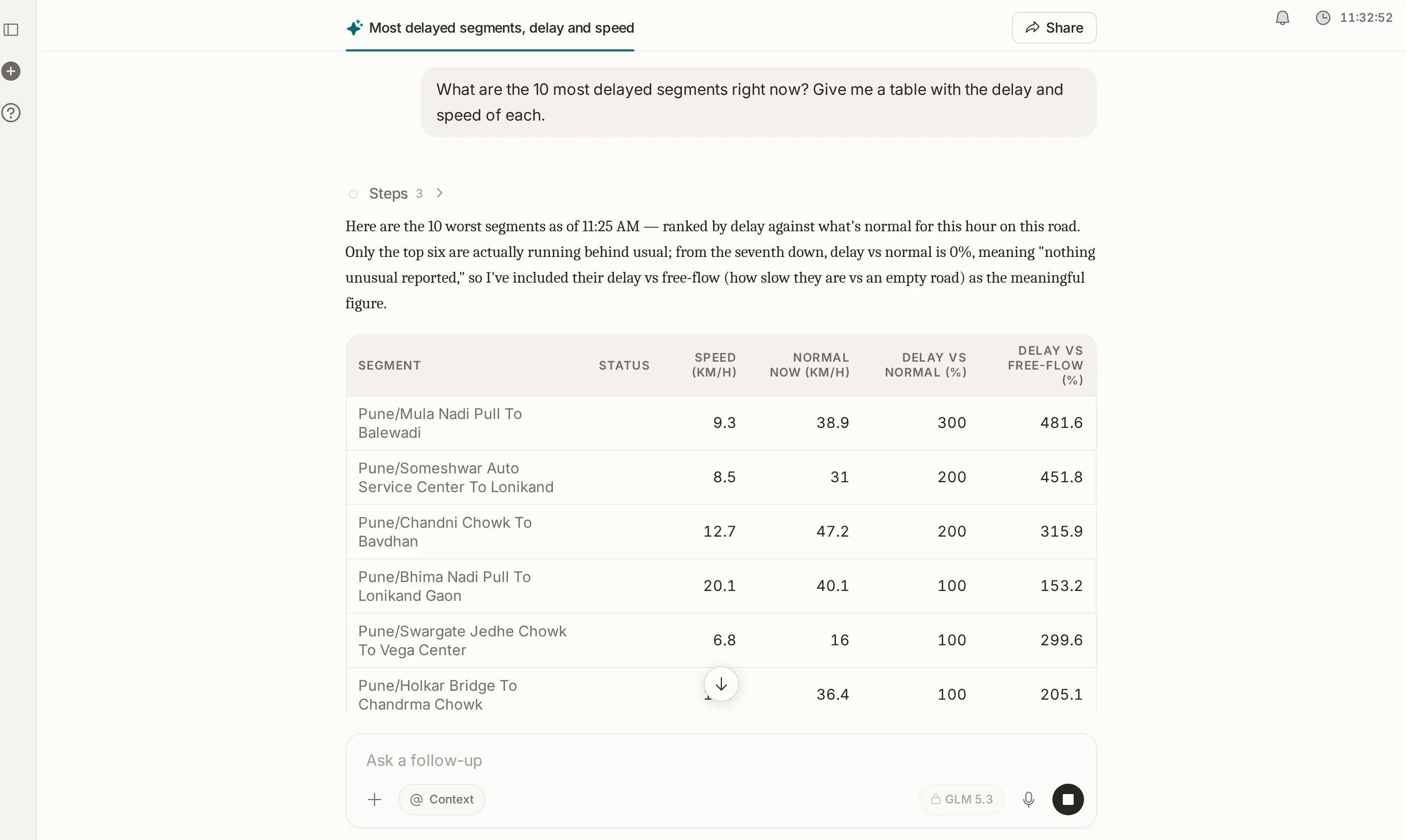
1 guide Assistant A conversation with your city’s traffic data: type or speak a question, and get back charts, maps, tables and files to download.
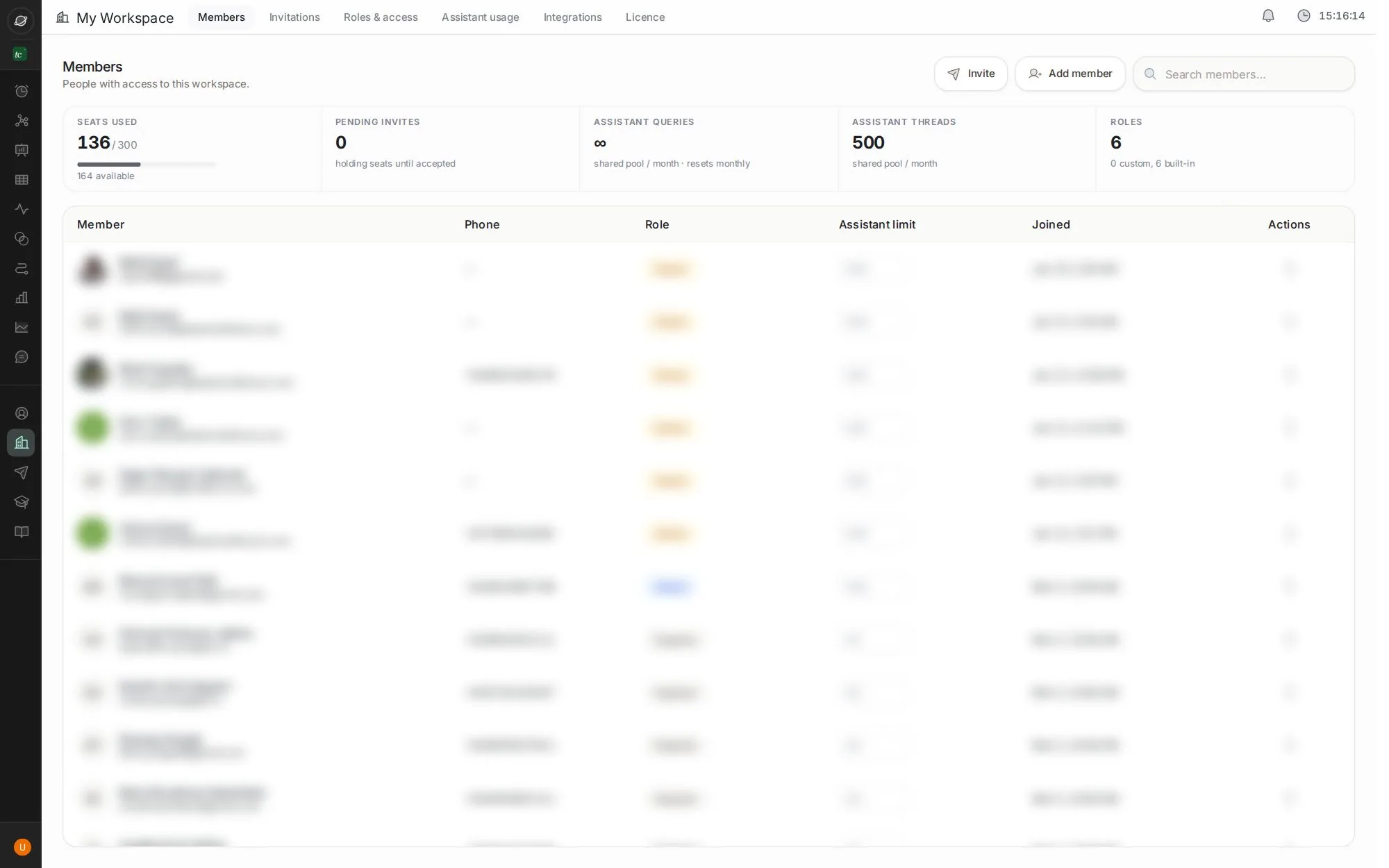
2 guides My Workspace Members, invitations, roles, assistant usage, integrations and your licence.