
For the boss · Reports
Prove a change worked
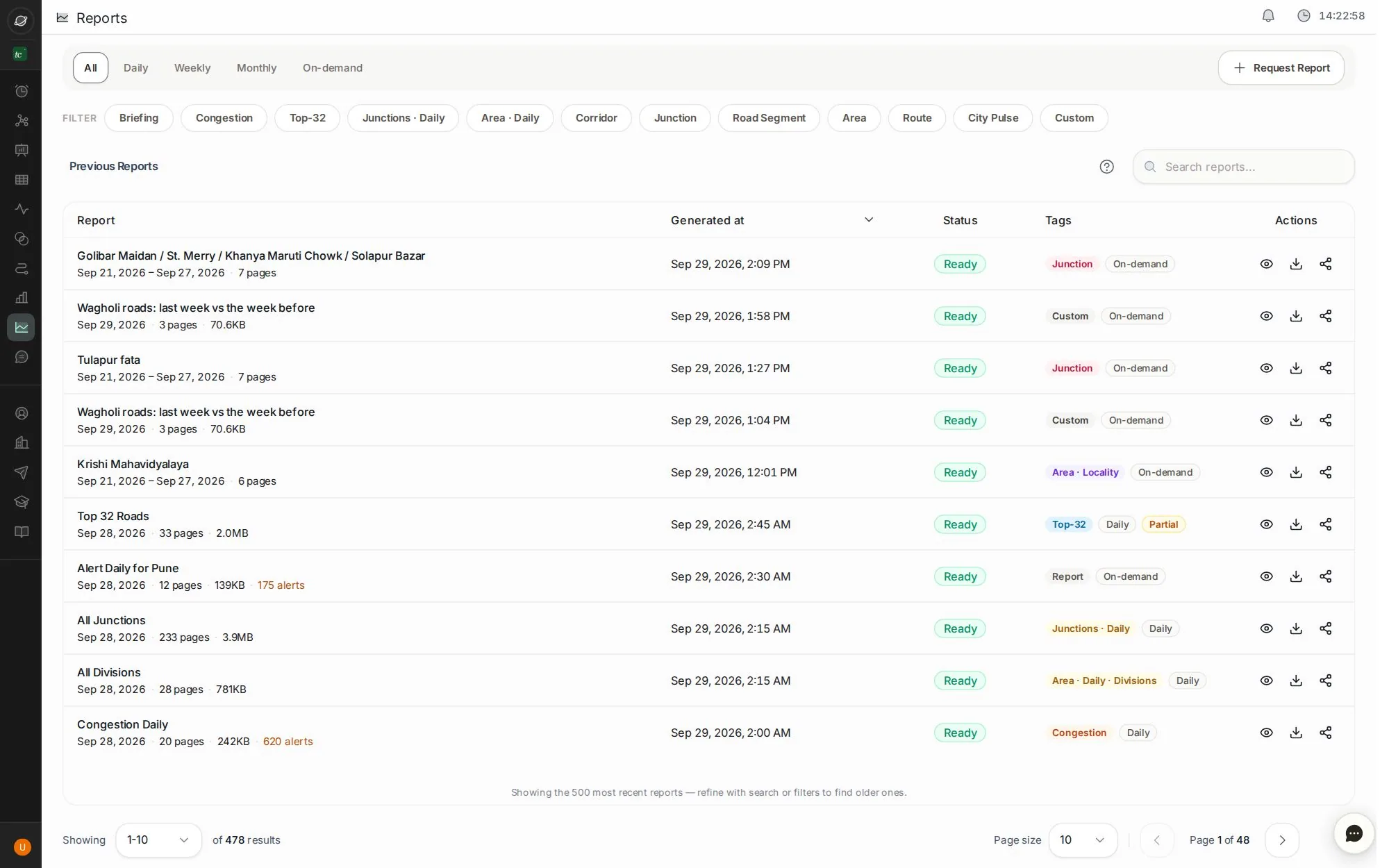
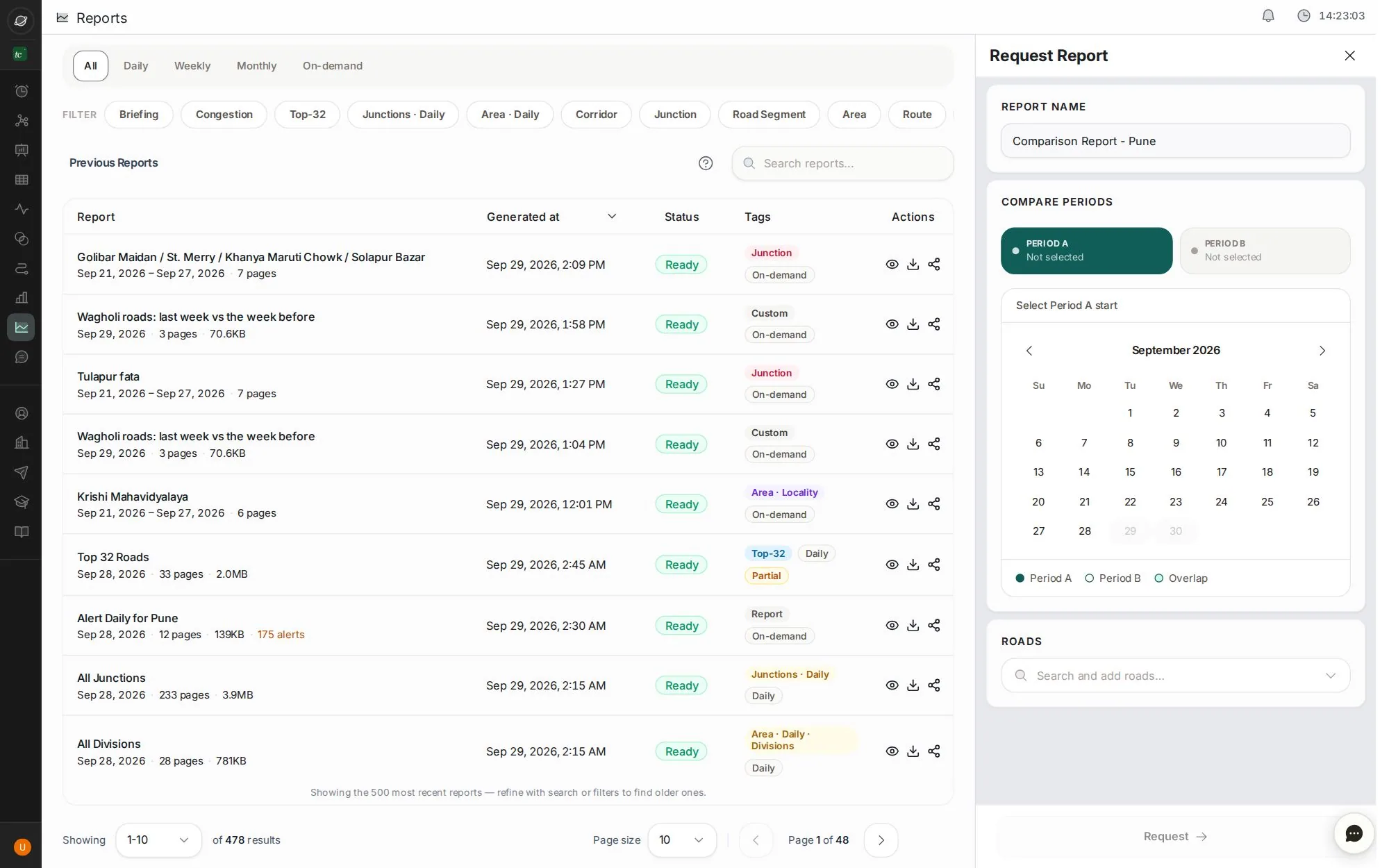
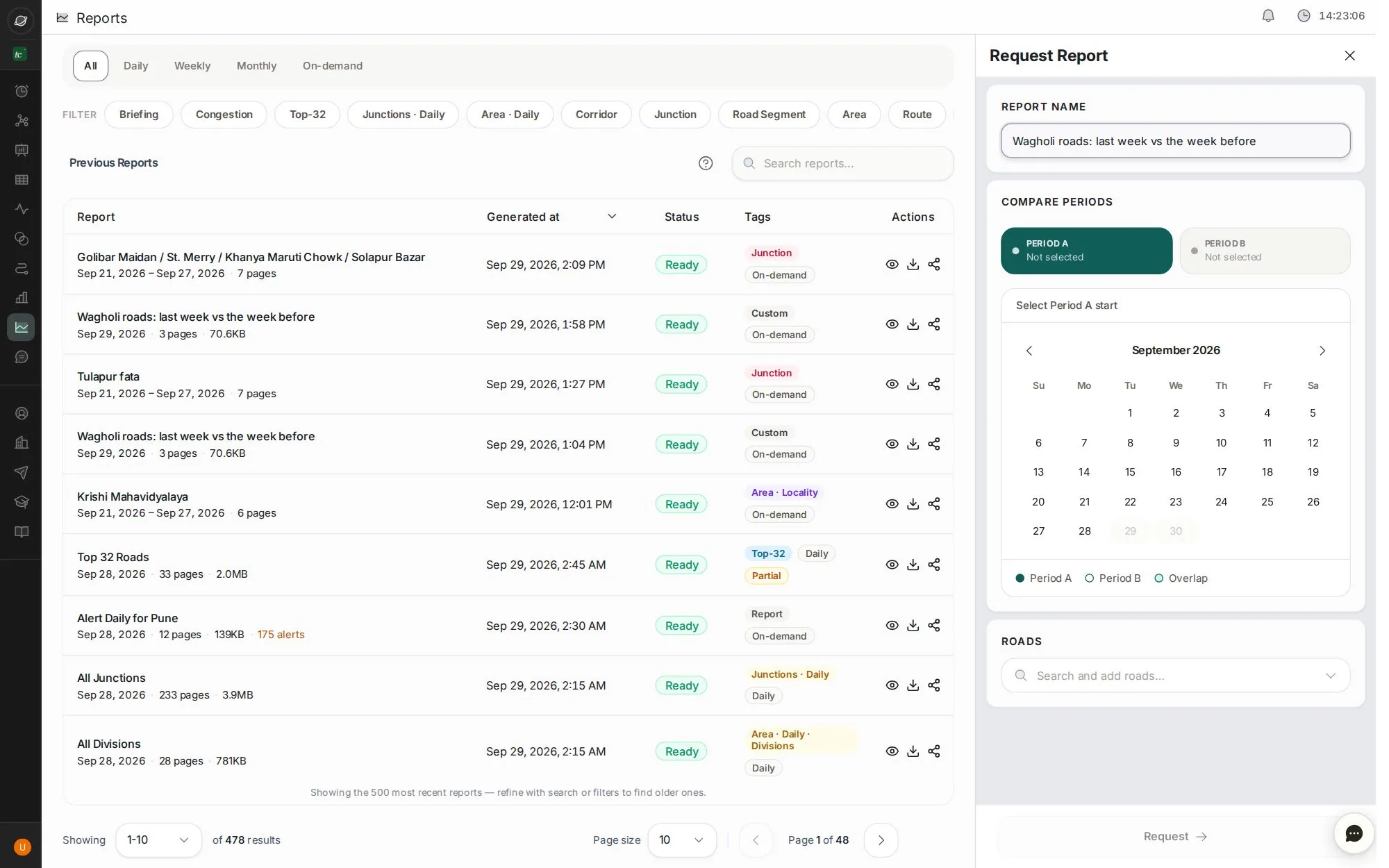
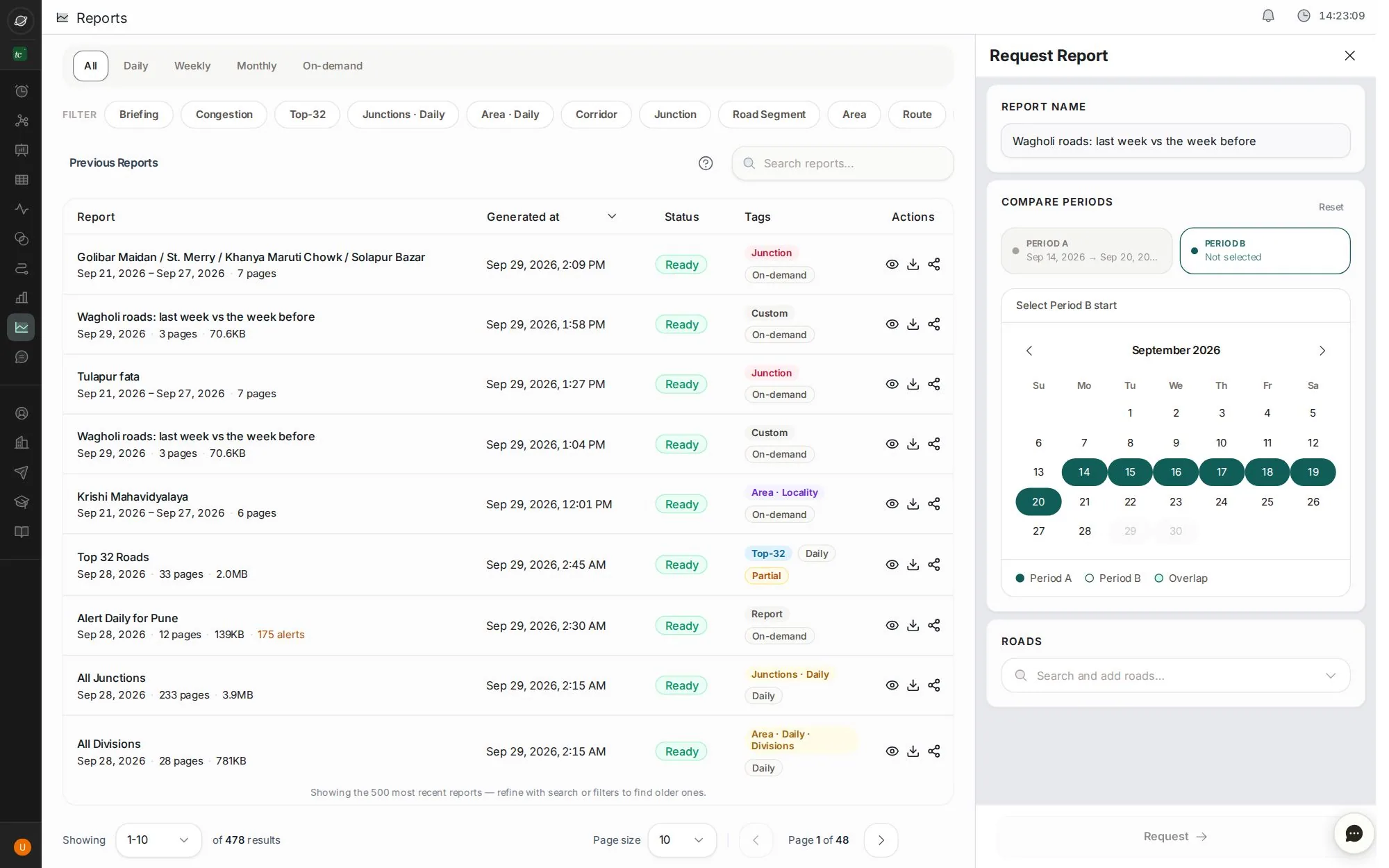
Pick a period before the change and one after, choose the roads, and TraffiCure writes the before-and-after report.
7 stepsAbout 2 minClick the blue dot, or press →
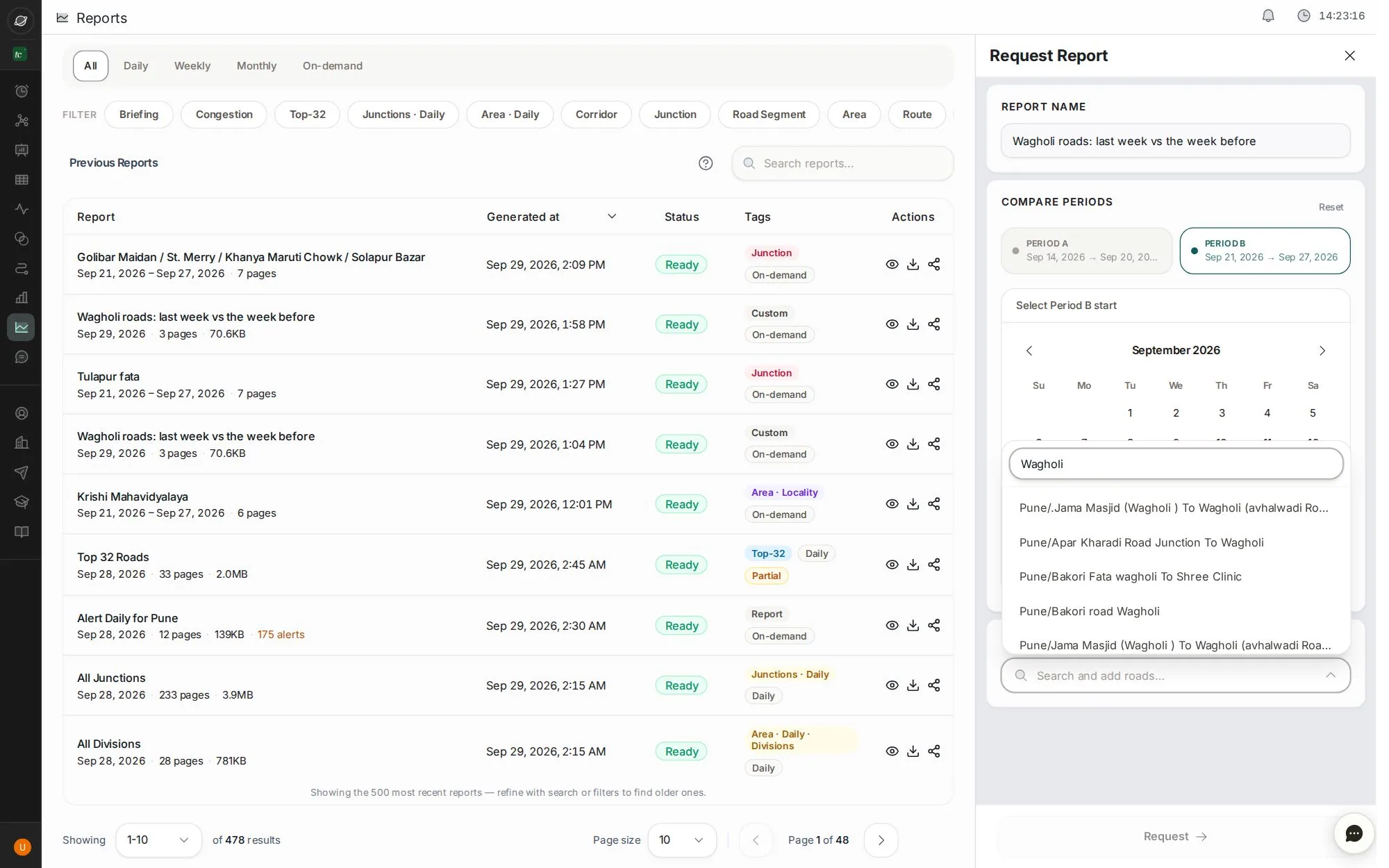
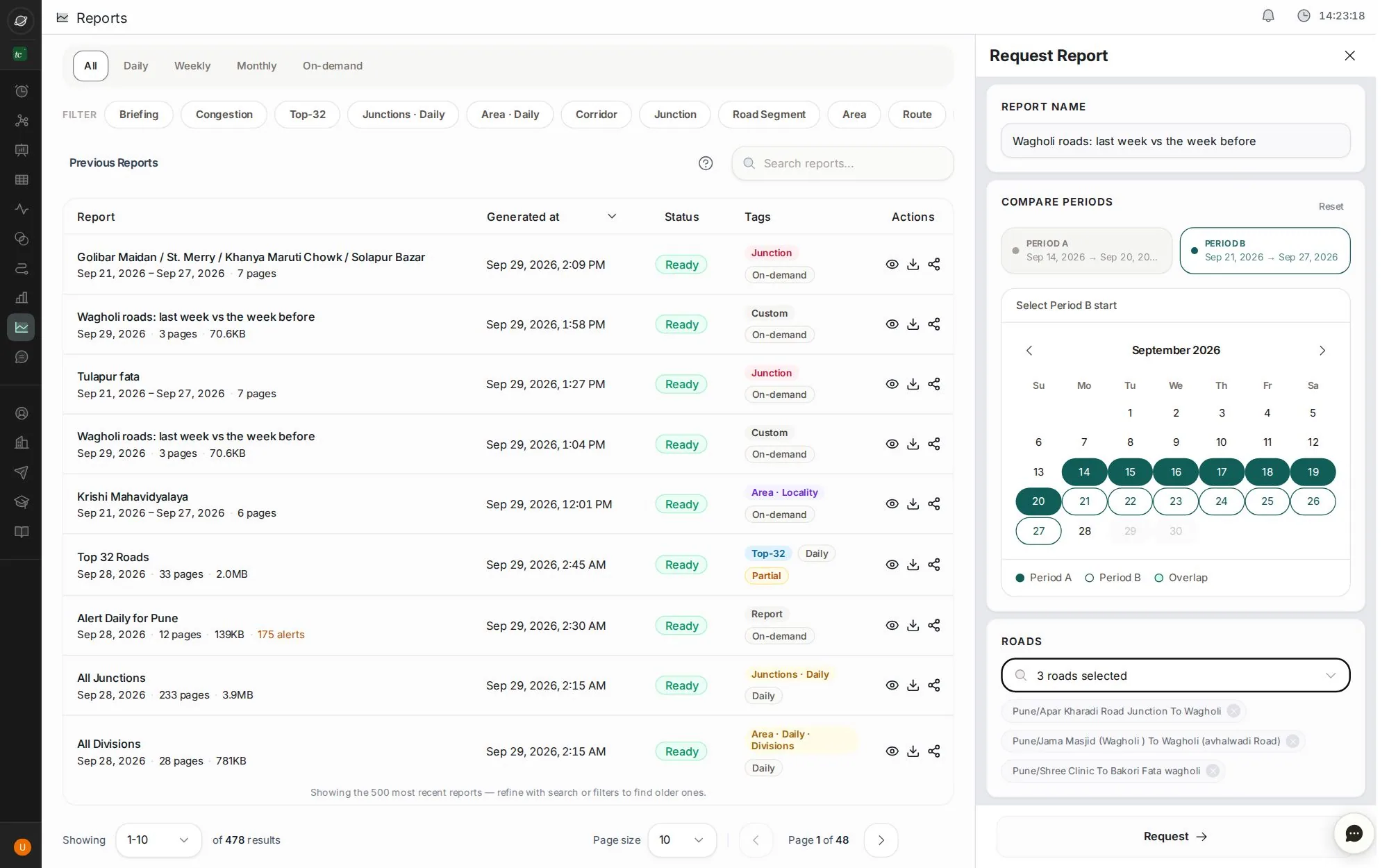
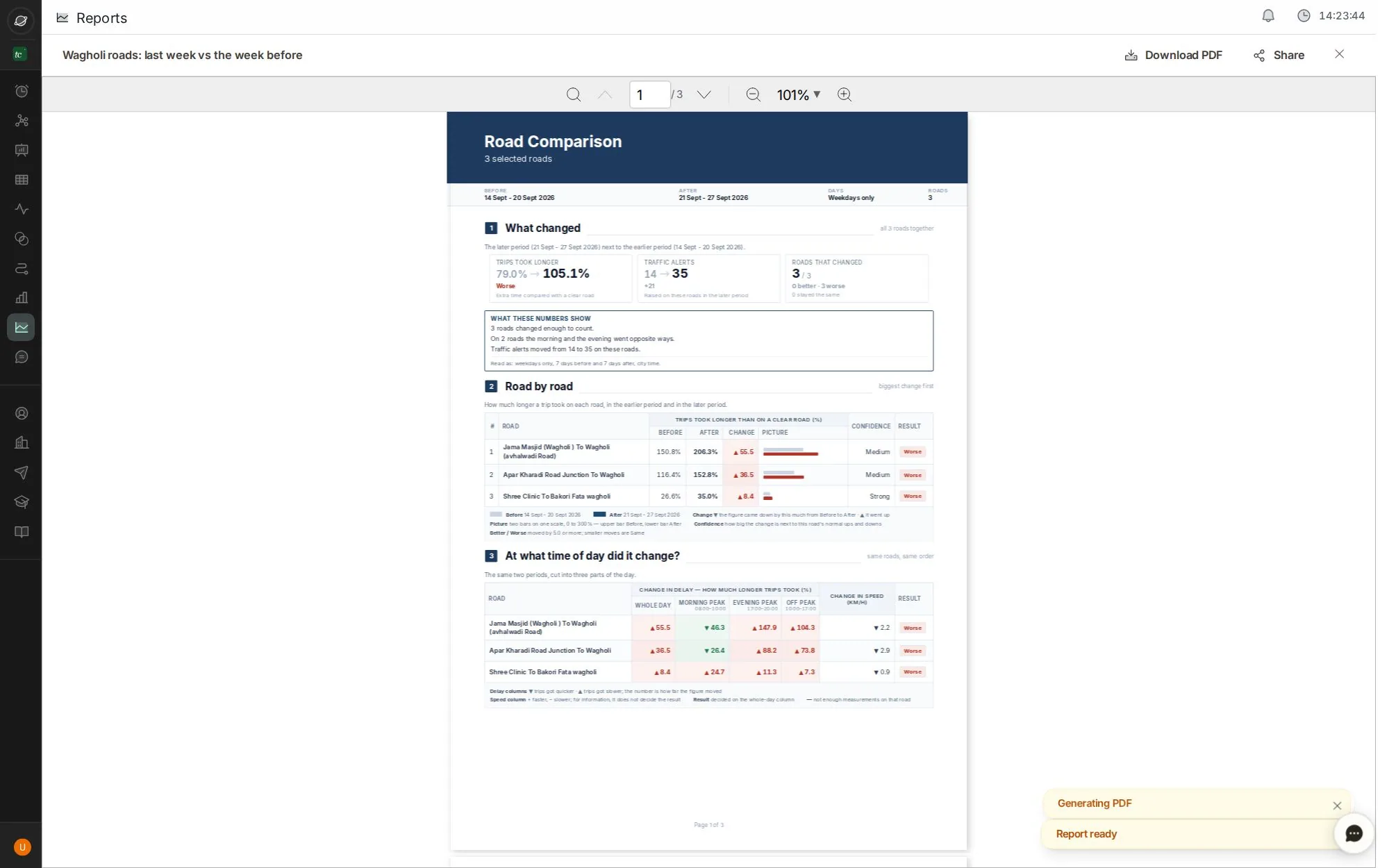
Step 1 of 7 · click
Start a comparison
Open Reports and click Request Report.
What you get: the period before a change against the period after, road by road.
Tip: use ← and → keys. Click the screen to zoom.
Next job
Send the morning briefing
The daily briefing is written overnight. Open it, check it, send it.
Next jobGet TraffiCure on WhatsApp
Ask questions and get reports on WhatsApp, Slack or Google Chat.
Verified in the live app · 29 Sept 2026 Screens from a live city workspace. Your city will look different.