
TraffiCure is your city’s traffic intelligence platform. Follow congestion as it happens, track the routes that matter, find the areas and corridors that need action, and base your decisions on data that covers every road in your network.
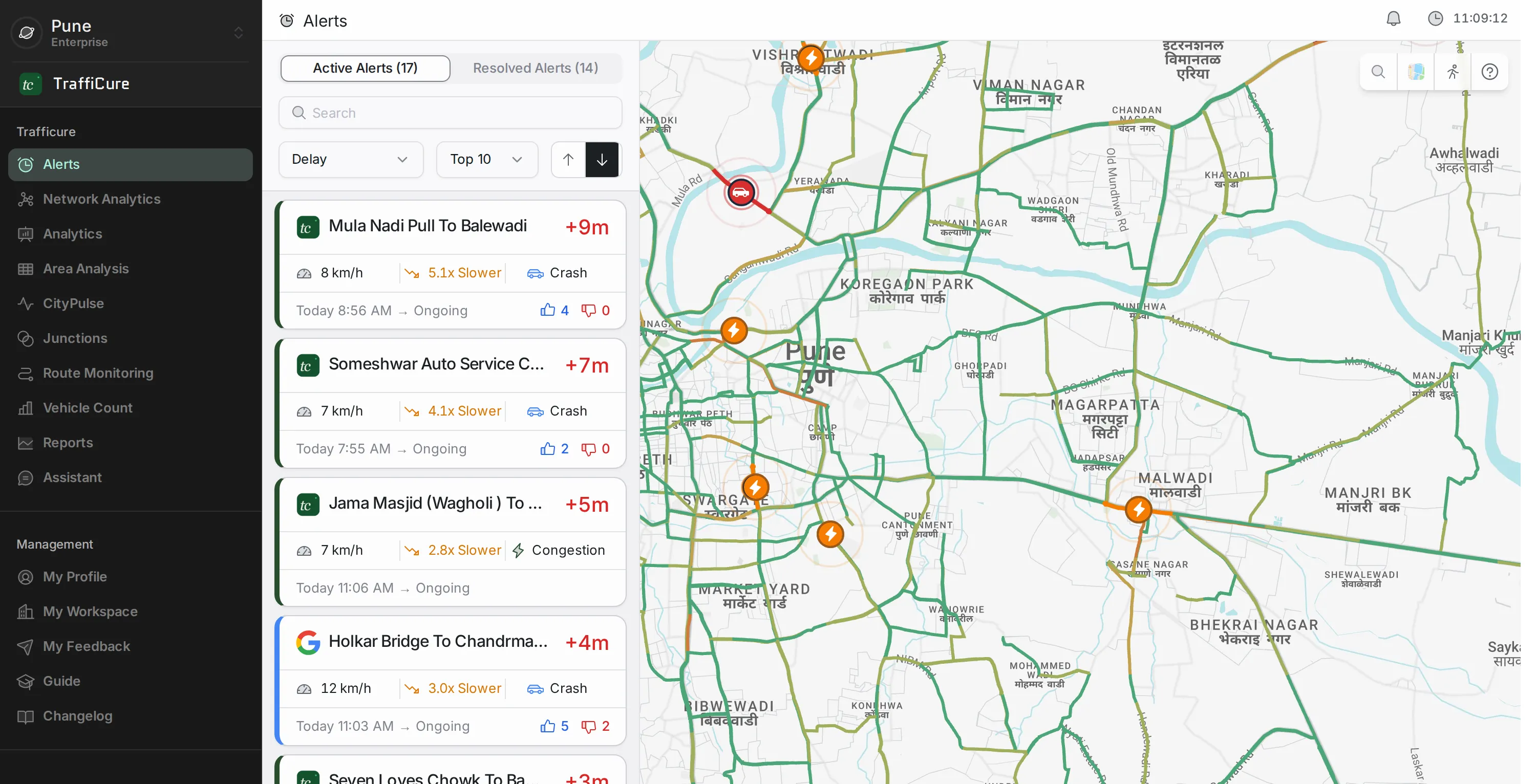
The rail can be collapsed to icons to give the map more room. Your workspace is at the top, and at the bottom “Management” holds “My Profile”, “My Workspace”, “My Feedback”, “Guide” and “Changelog”.
Modules at a glance
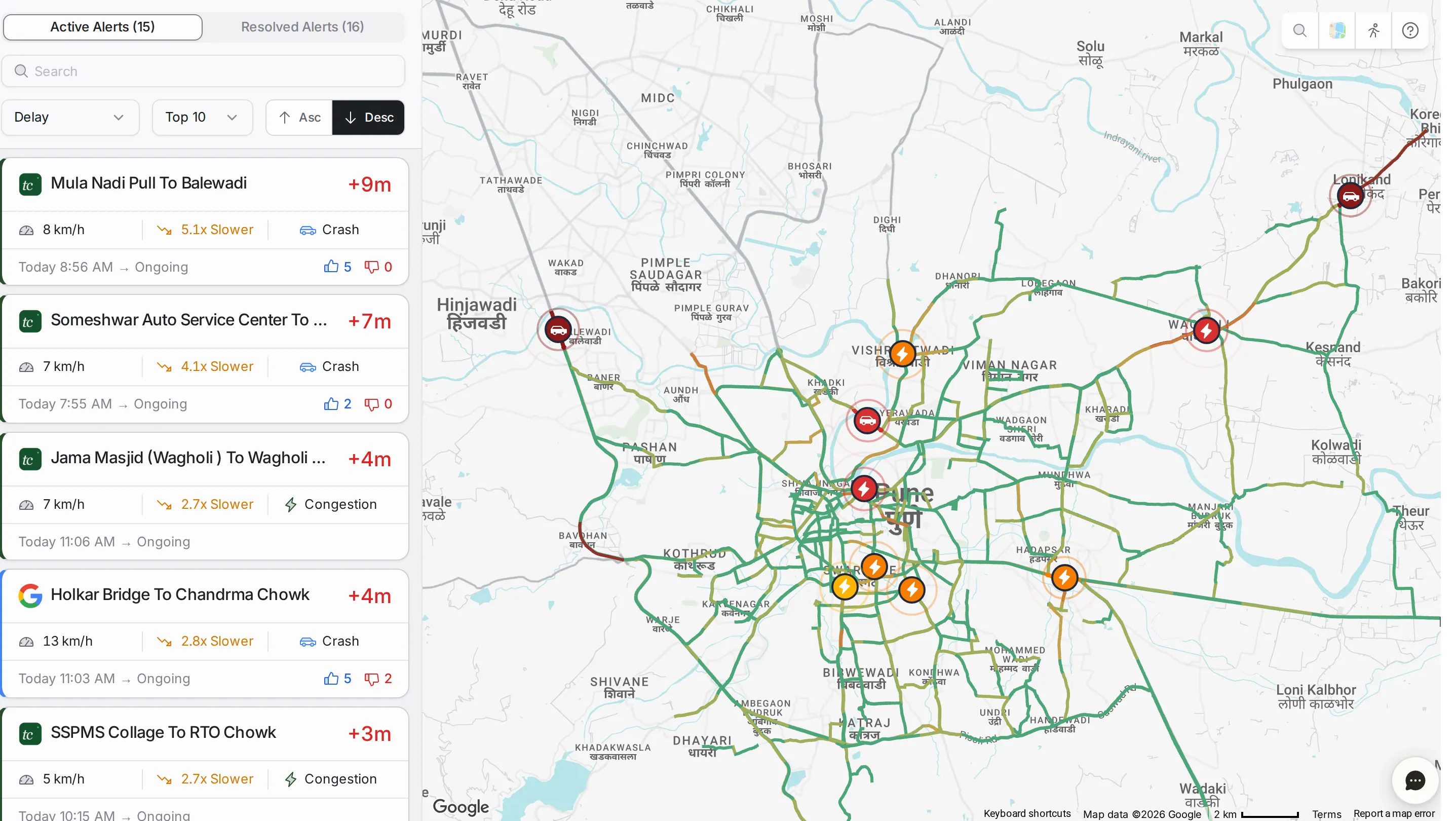
Alertslive notifications of congestion and incidents on your roads, with the history of resolved alerts and a way into the analytics for the roads affected.
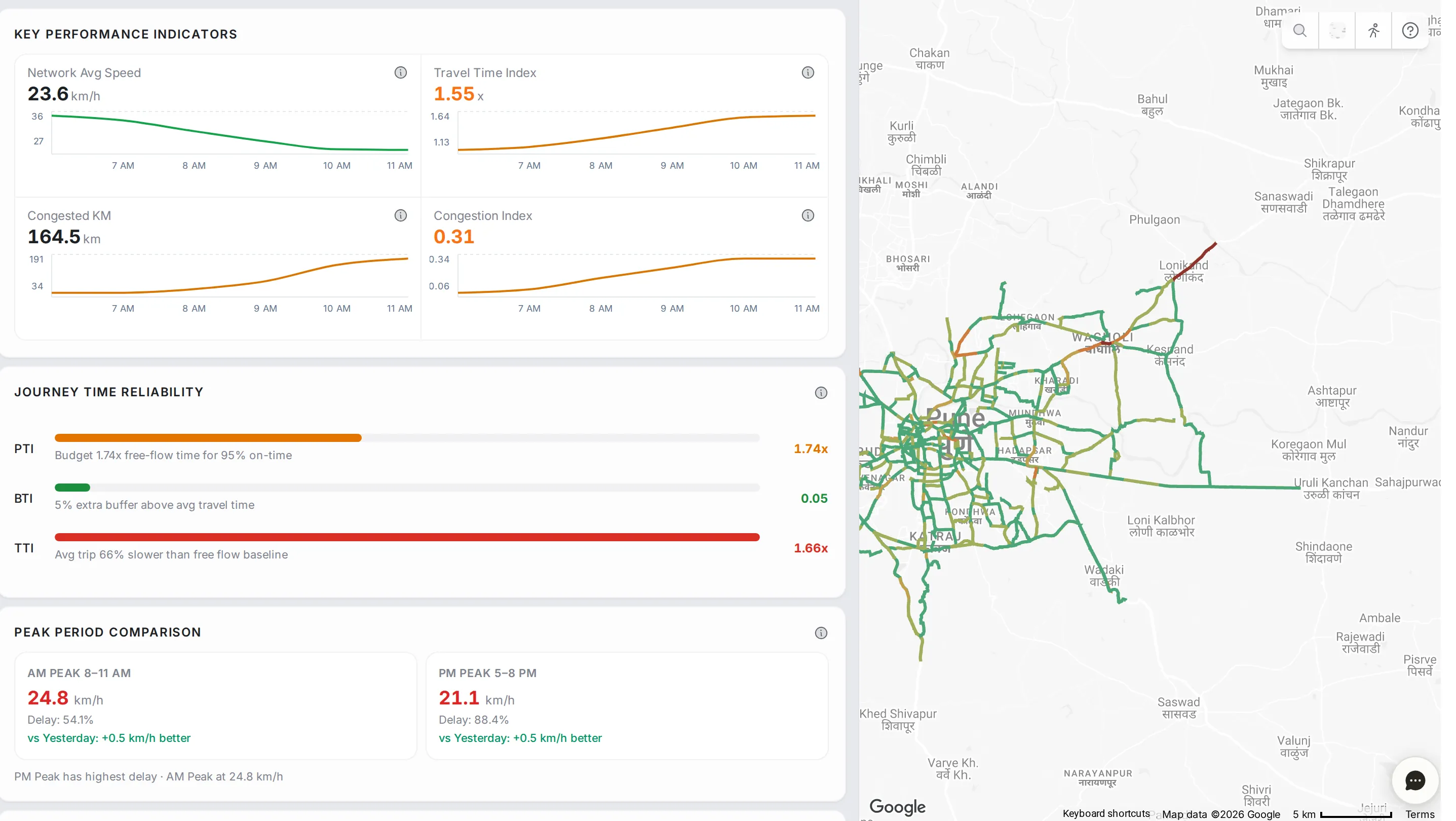
Network Analyticsthe health of the whole network on one screen: headline numbers, journey time reliability, congestion hotspots and delay metrics.
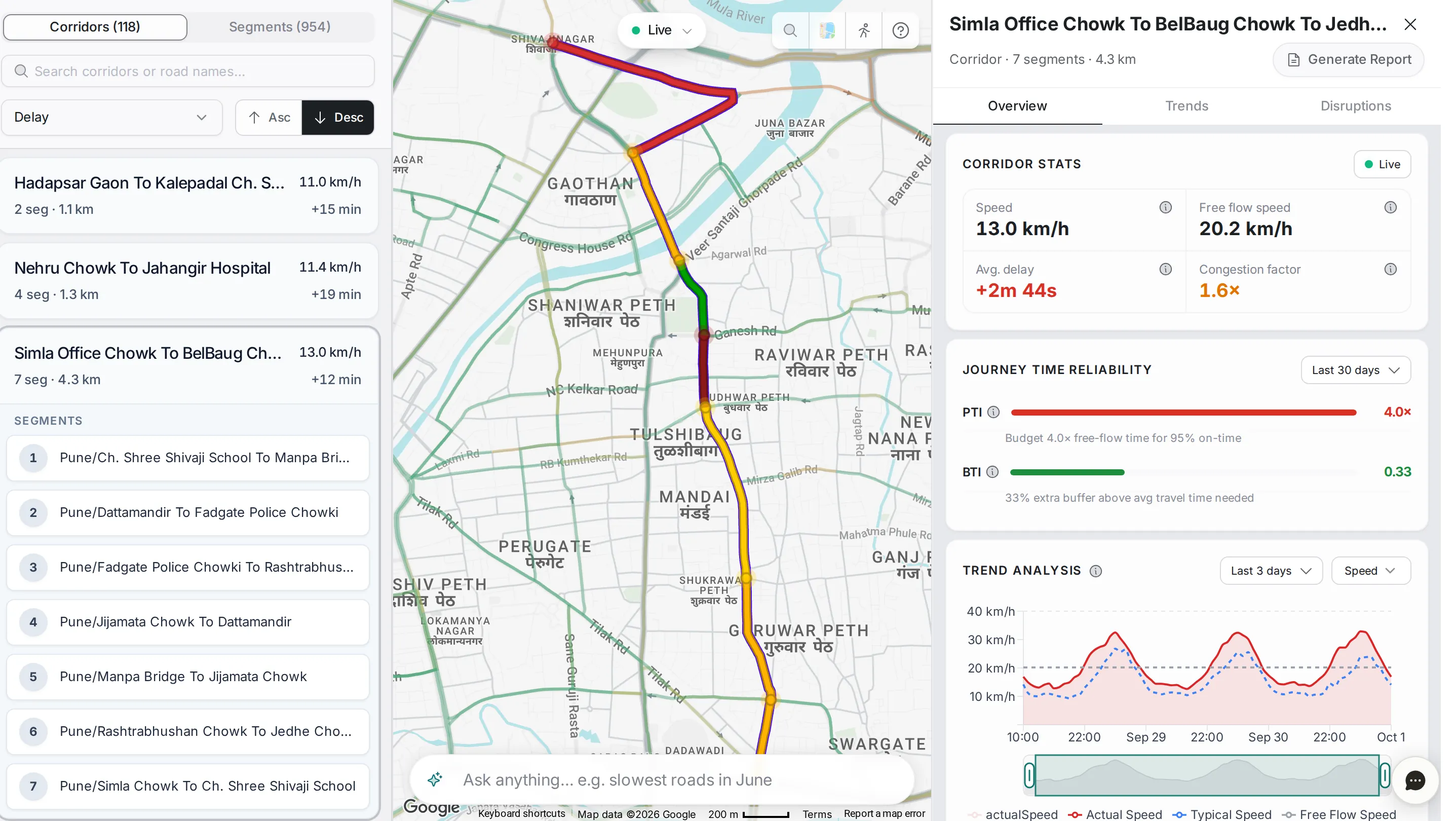
Analyticsa deep dive into one corridor or segment: speed, delay, reliability, busy hours and the disruptions recorded on it.
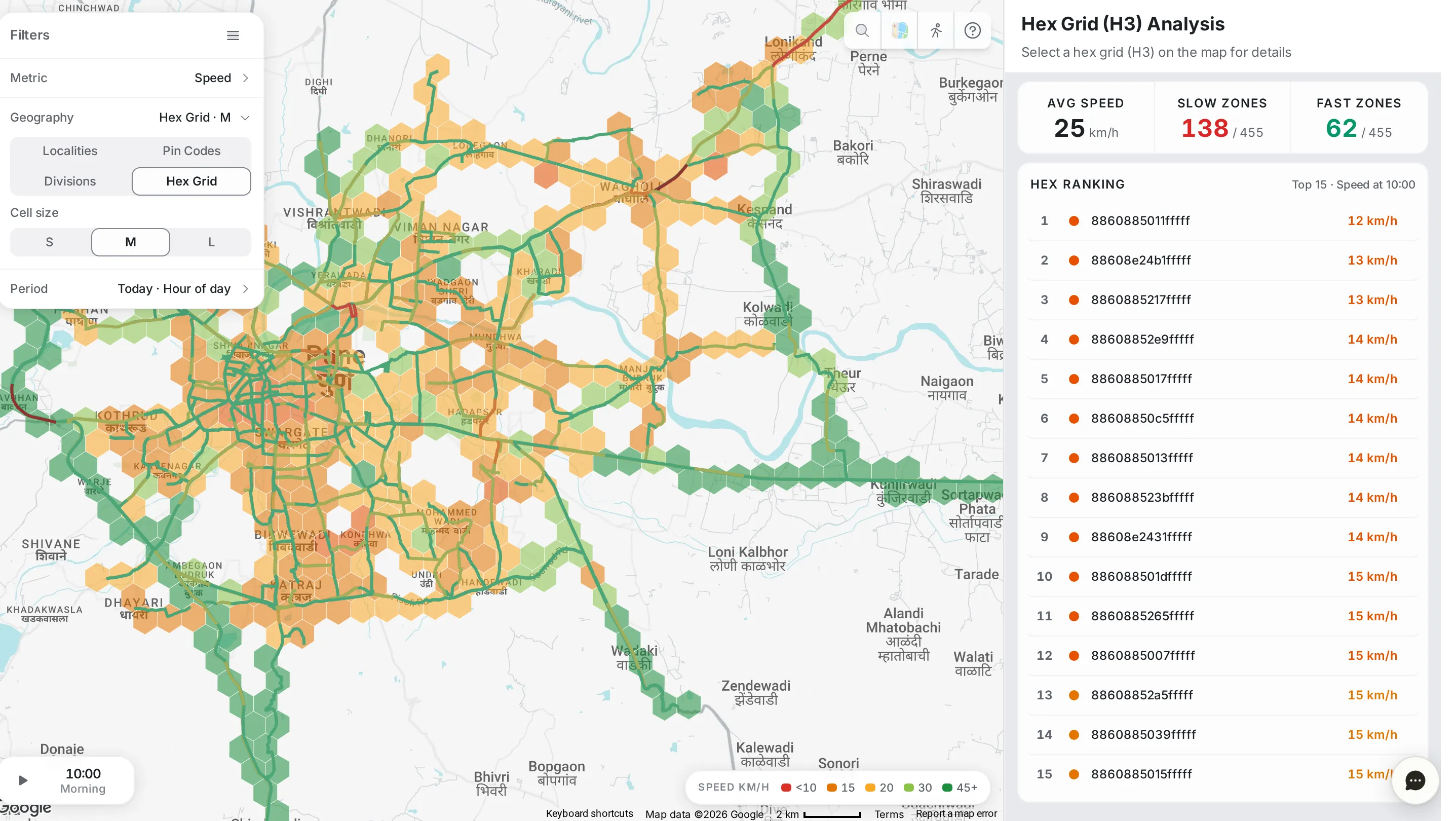
Area Analysistraffic patterns by place (localities, pin codes, divisions or a hexagon grid), as a heat map of speed, congestion, delay or disruptions.
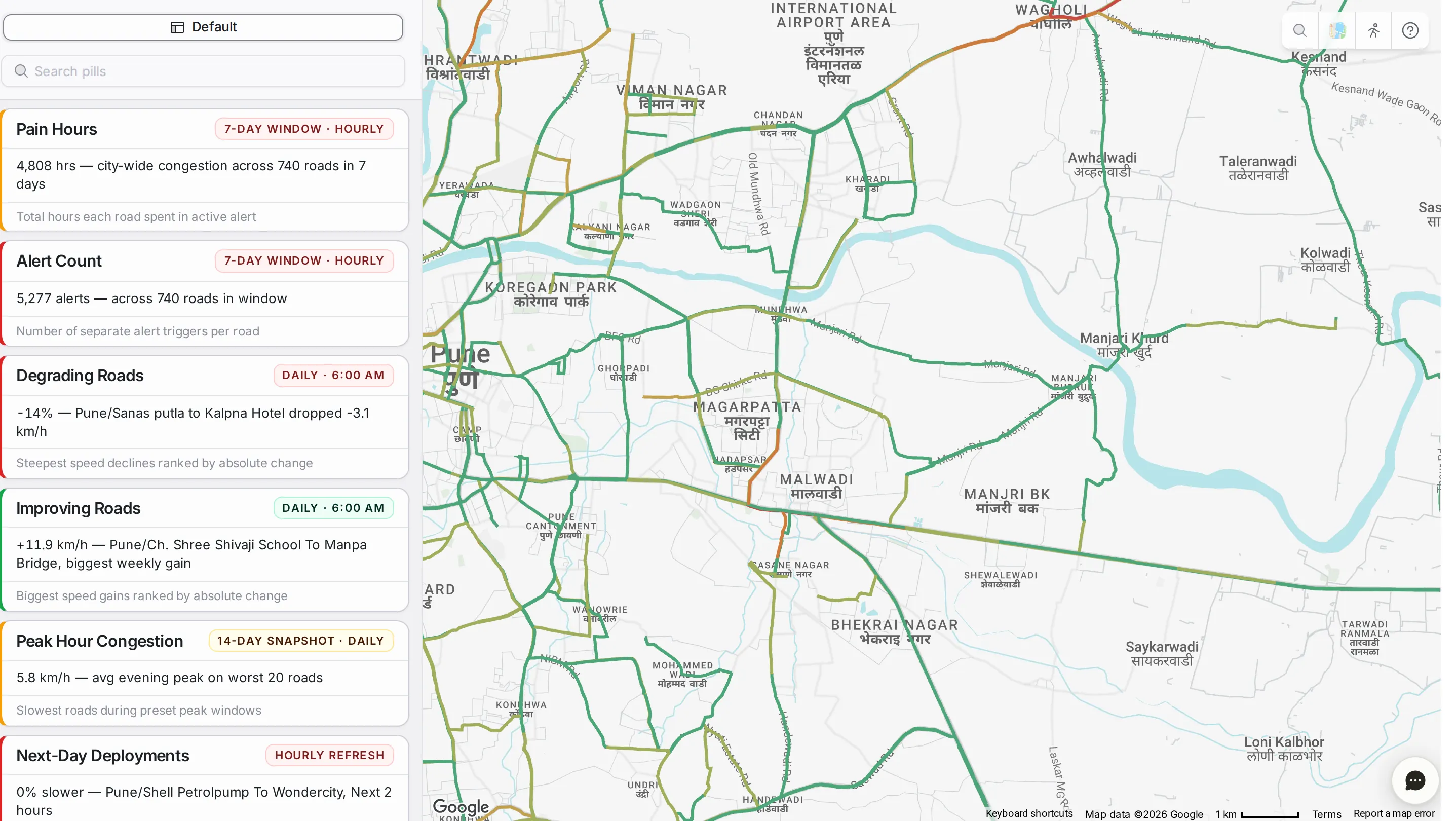
CityPulseready-made cards that read your network at a glance, each with its own detail panel and map.
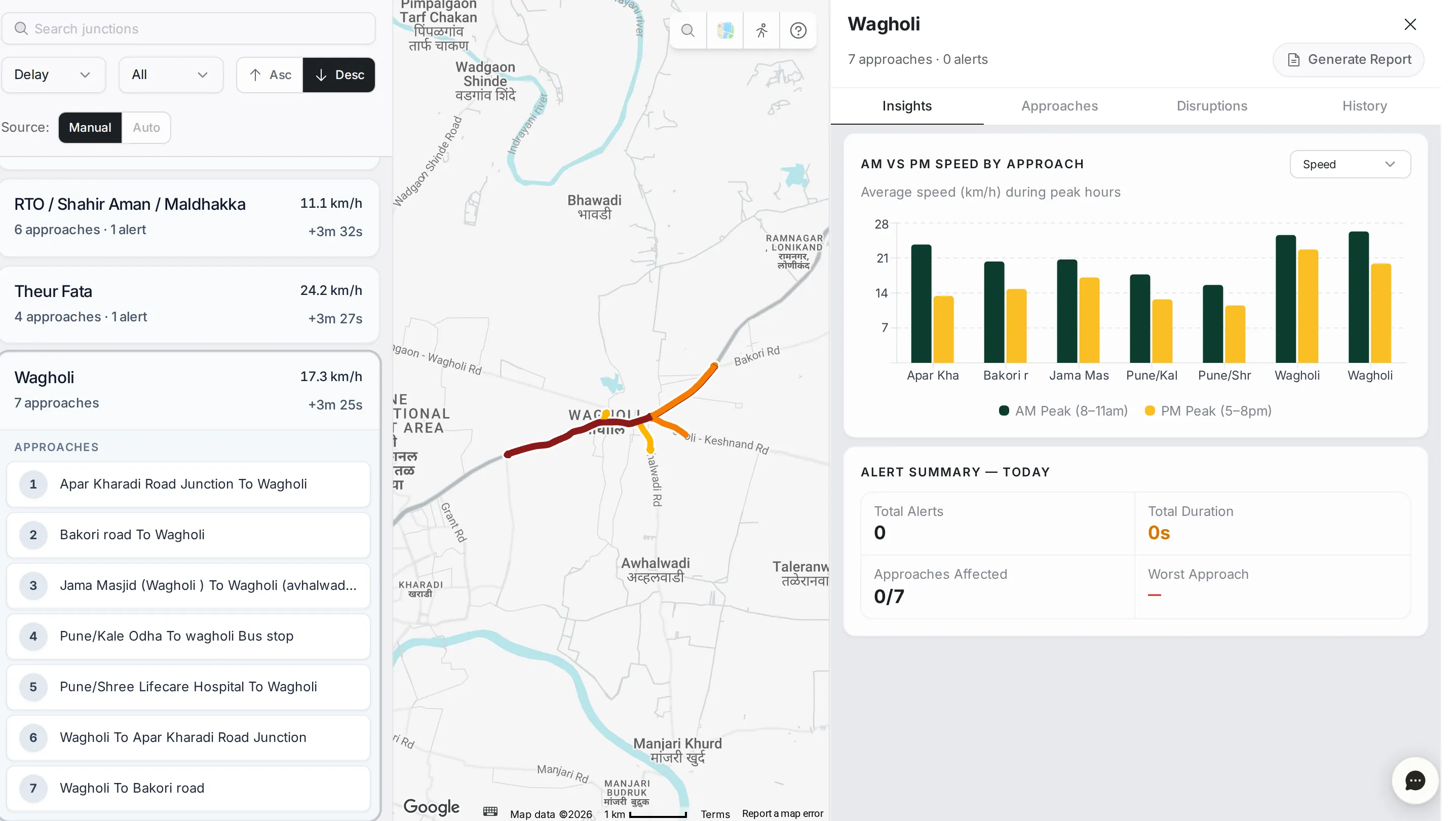
Junctionsevery junction, approach by approach: morning against evening peak, weekly patterns and disruptions.
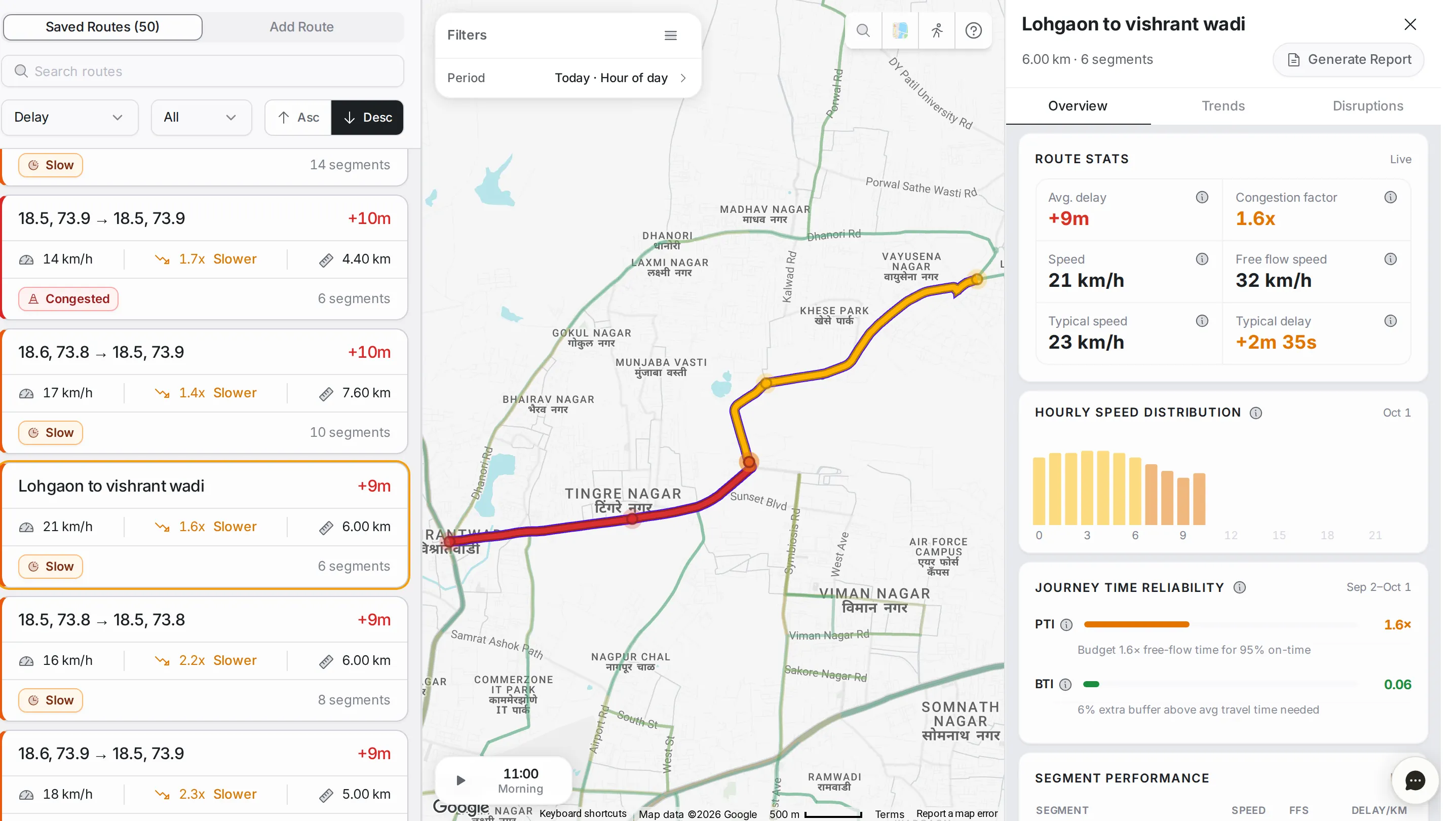
Route Monitoringroutes you define yourself, such as VIP, ambulance and commute routes, tracked for travel time, reliability and live status.
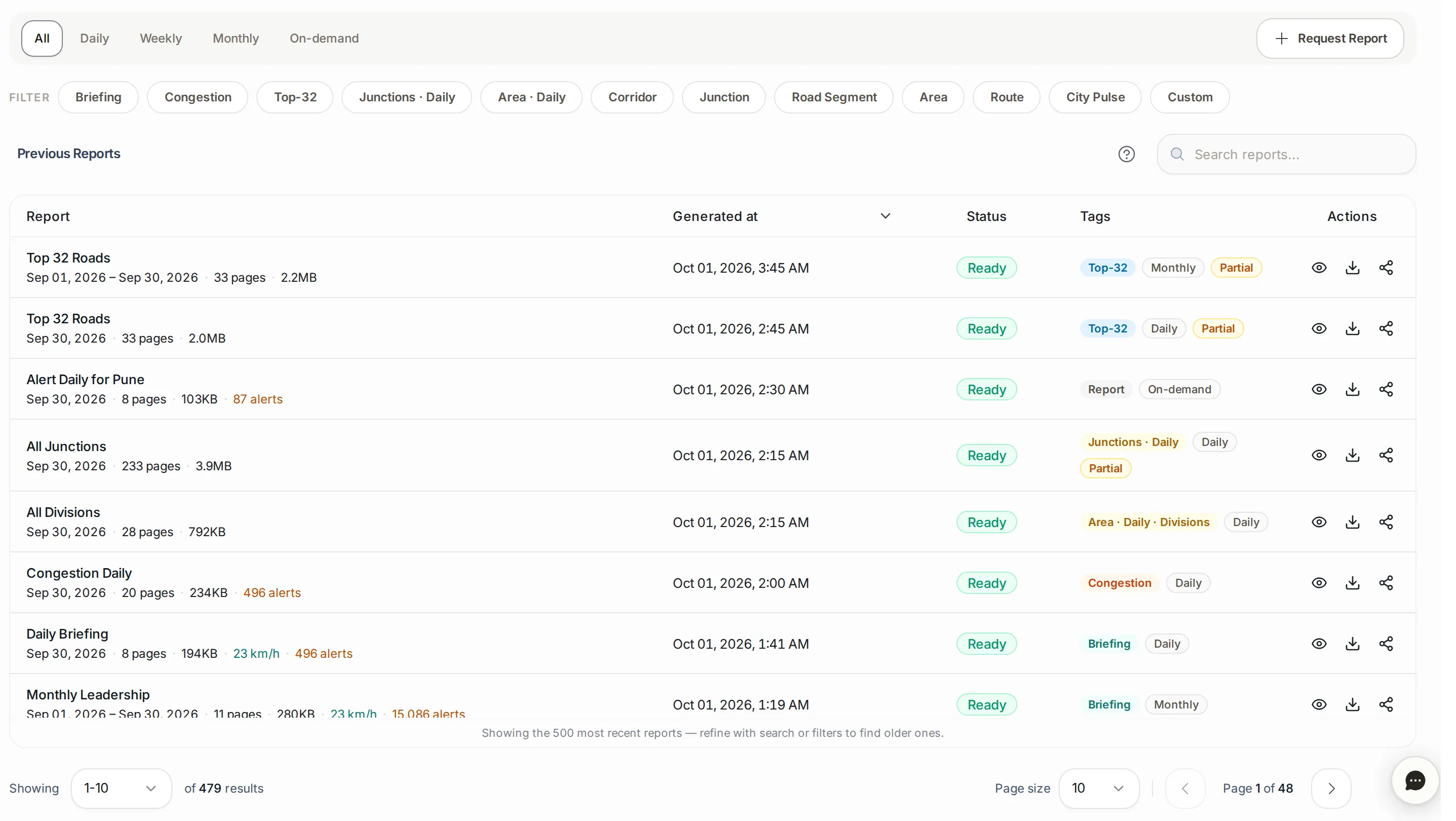
Reportsreports written automatically and on request: the daily briefing, daily congestion, weekly and monthly reports, and before-and-after comparisons.
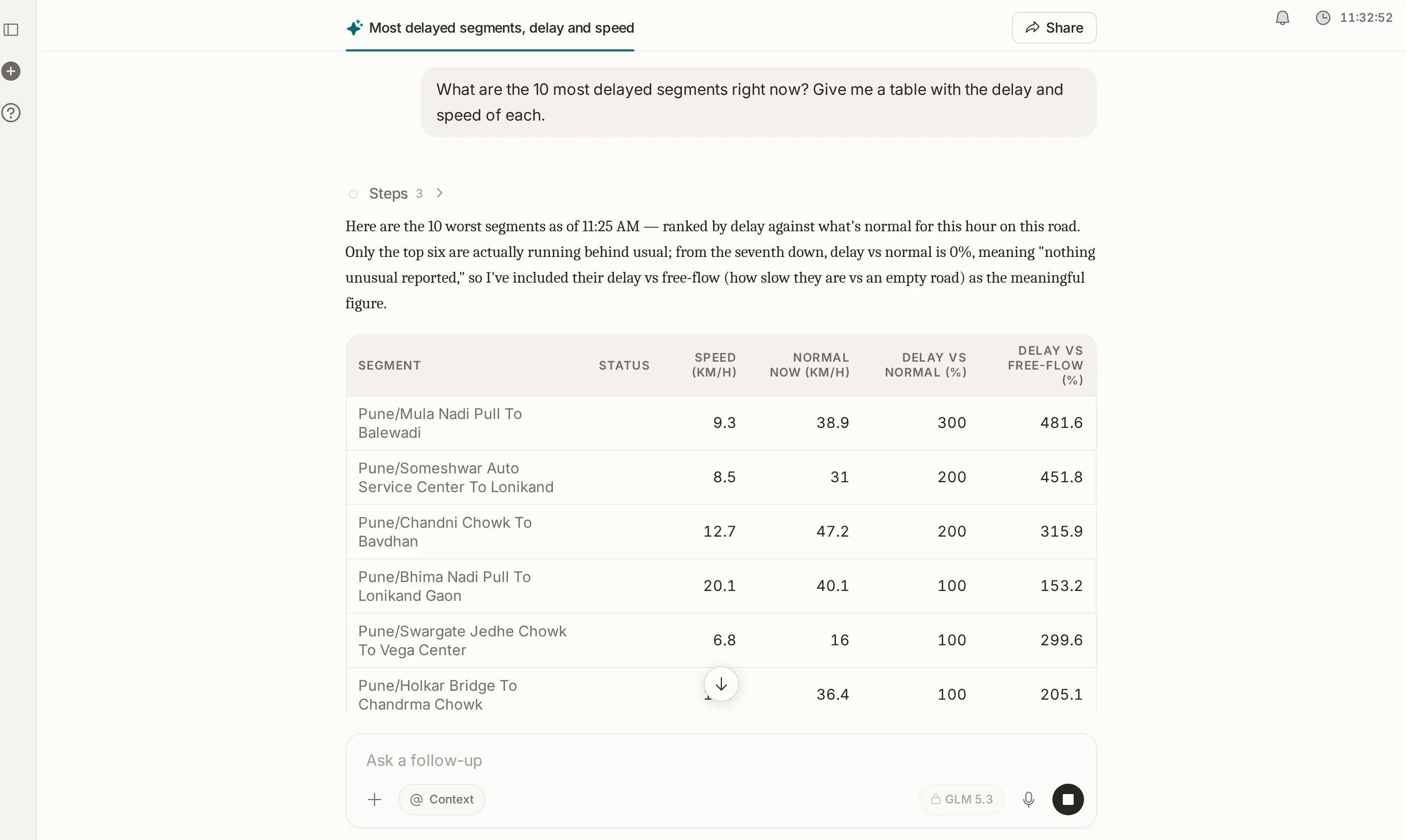
Assistanta plain-language conversation with your traffic data. Answers come back as charts, maps and tables, and the Assistant prepares files on request.
Common workflows
- Respond to live congestion → start in Alerts to see what is active, then open the affected road in Analytics to see why it is slow.
- Plan corridor improvements → use Analytics to find delay trends over several weeks, compare with Area Analysis to see whether the problem is local or area-wide, then design the fix.
- Watch recurring hotspots → check “Top Congestion Hotspots” in Network Analytics, or set up a route through the area in Route Monitoring.
- Brief leadership → send the daily briefing or a weekly report from Reports, or ask the Assistant for an executive summary ready to send.
- Diagnose a junction → open Junctions, pick the junction, and compare the morning and evening peaks approach by approach to find the one holding it up.
Where to go next
If you are new, start with Alerts to see what is happening in your city right now, then move on to Network Analytics for the bigger picture. For a specific task, go straight to the module’s page from the side menu.