
Set up · My Workspace
Invite your team
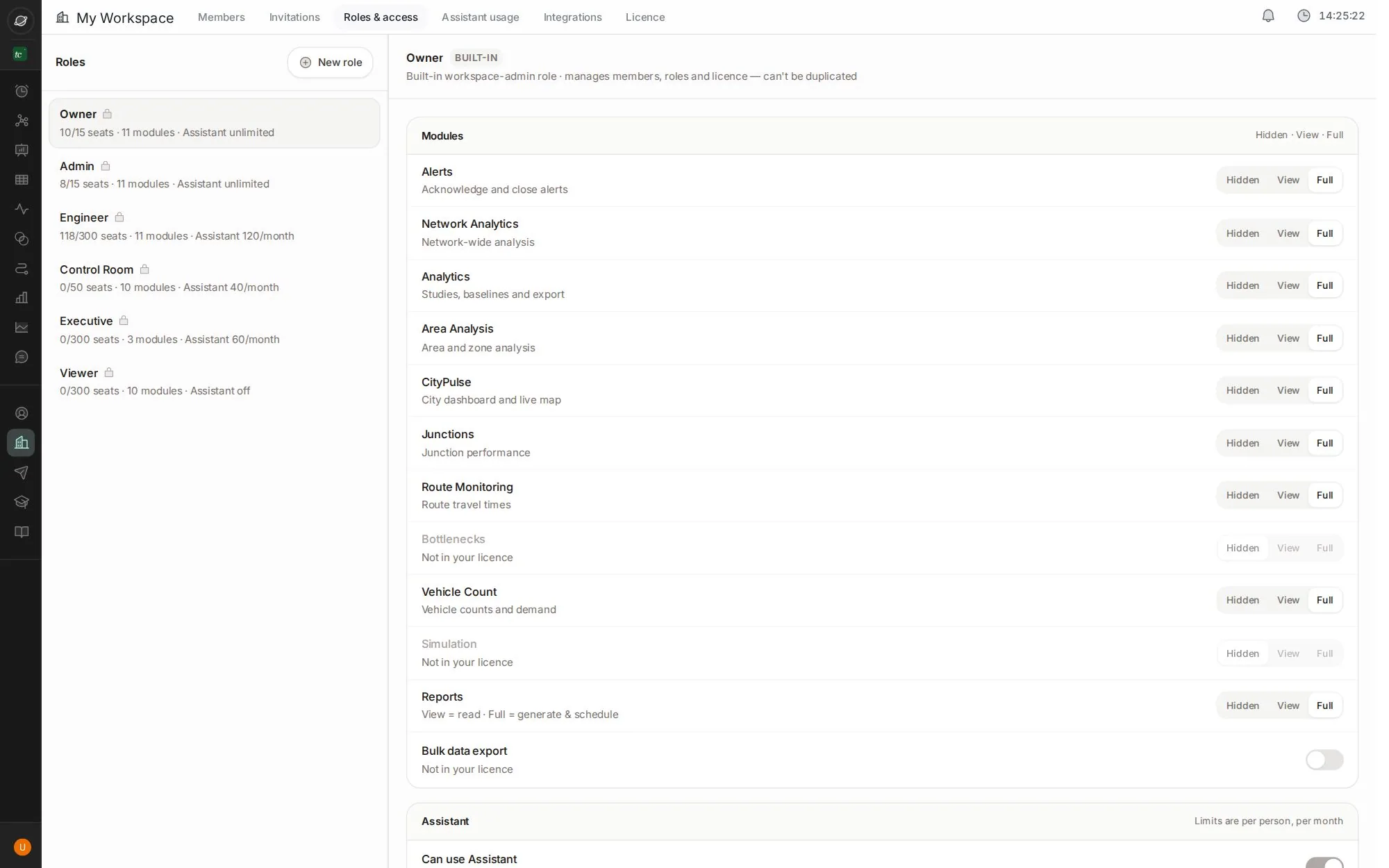
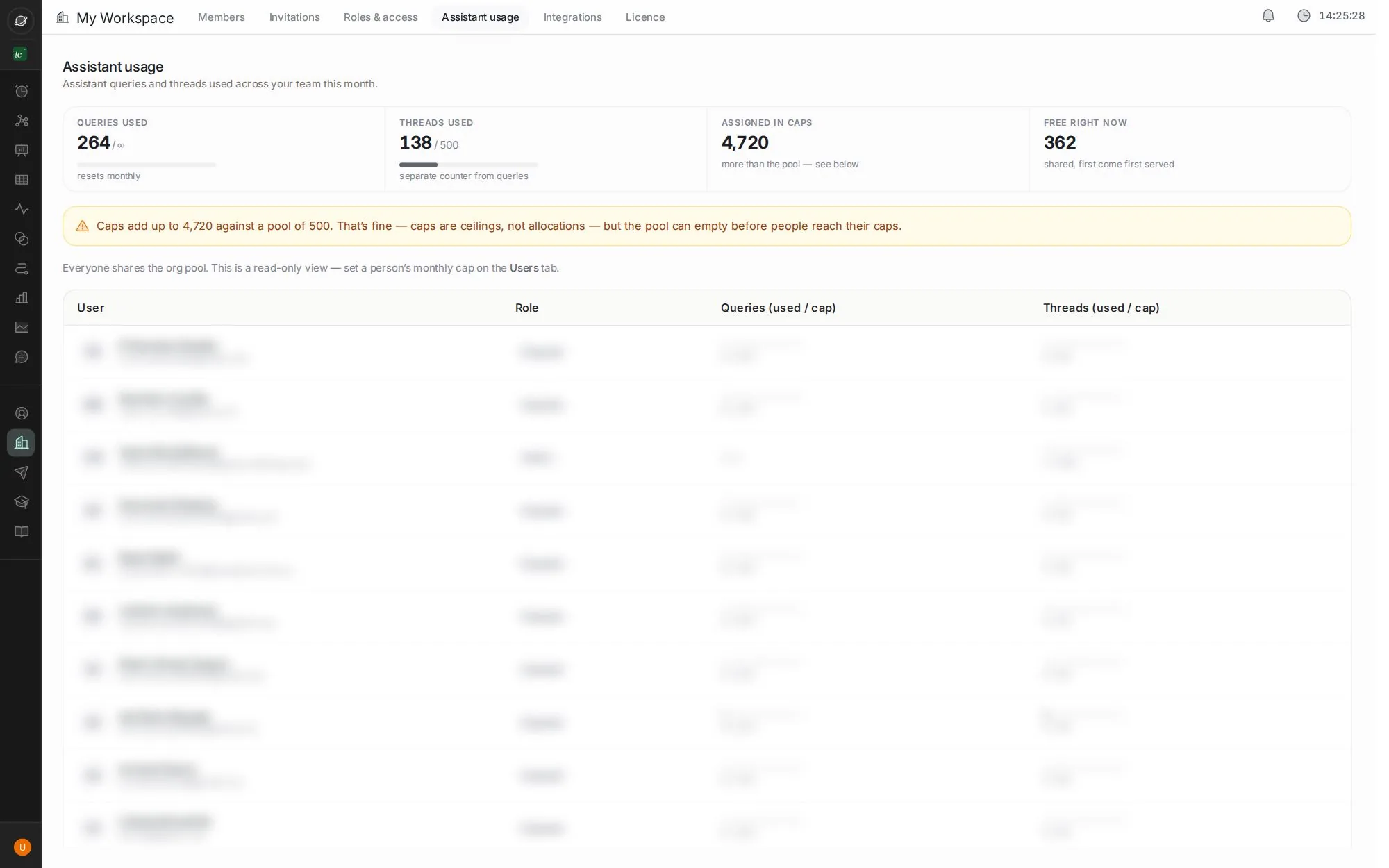
Bring your team in, decide what each role can see and do, and keep an eye on assistant usage.
8 stepsAbout 1 minClick the blue dot, or press →
Step 1 of 8 · click
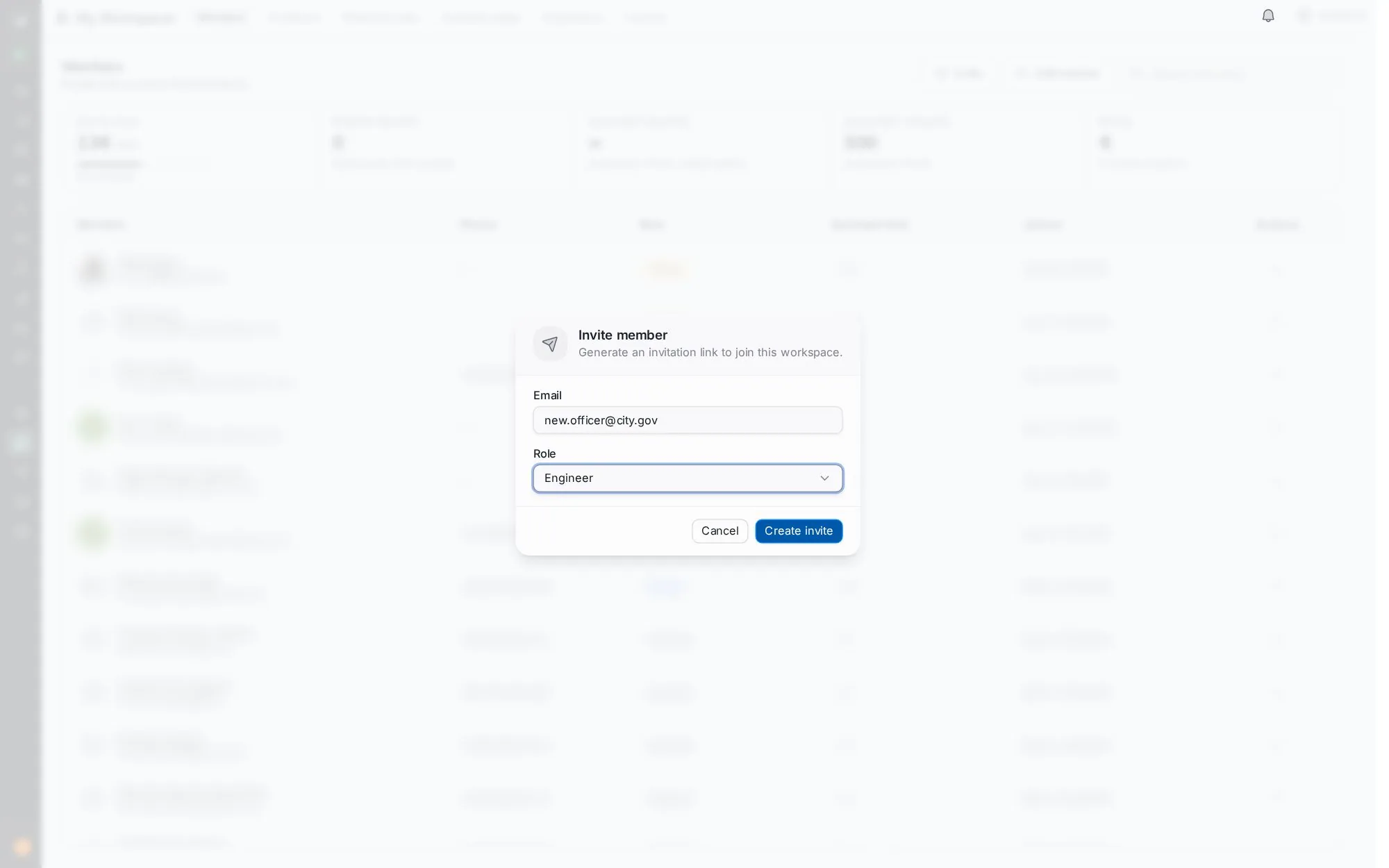
Invite someone
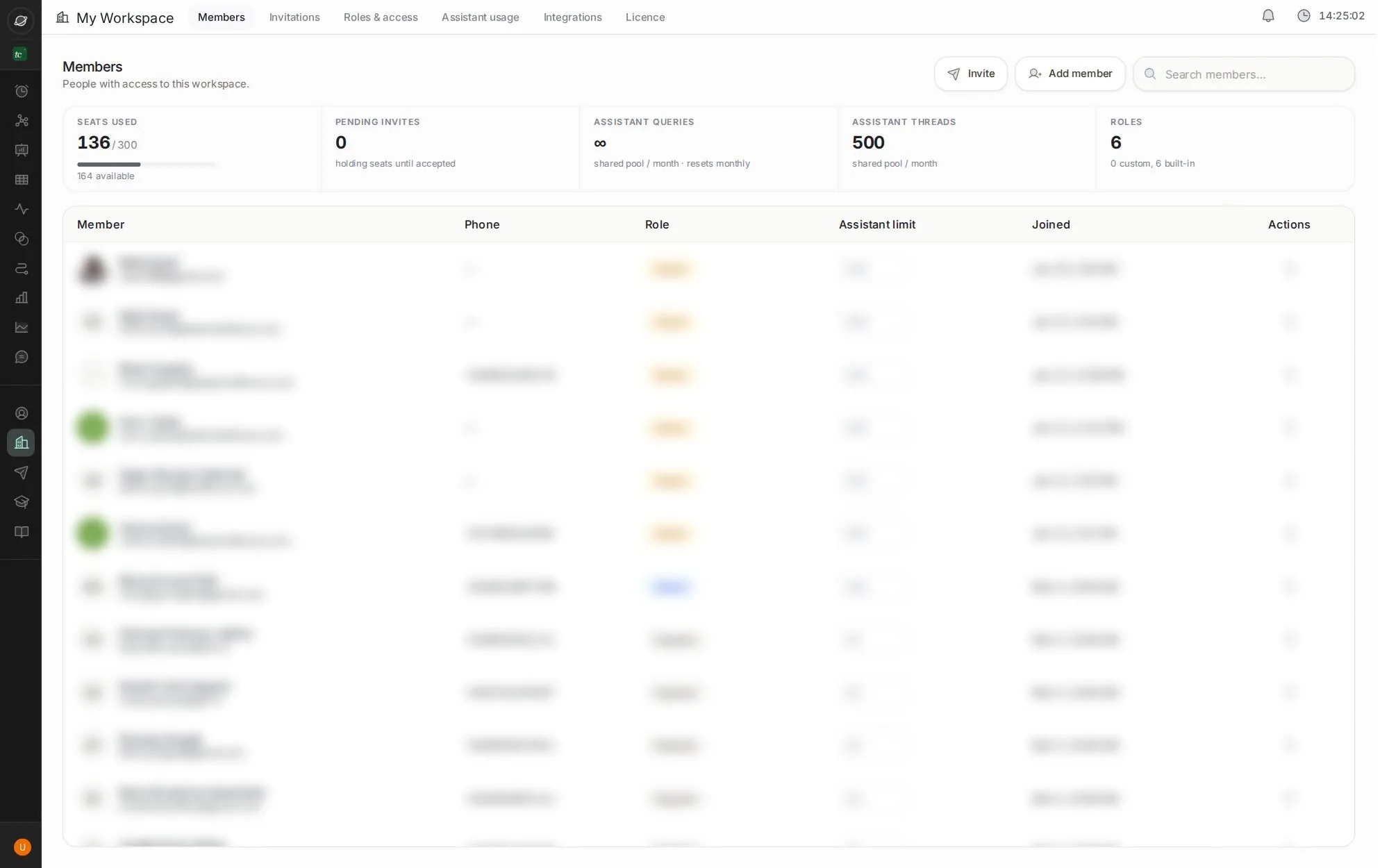
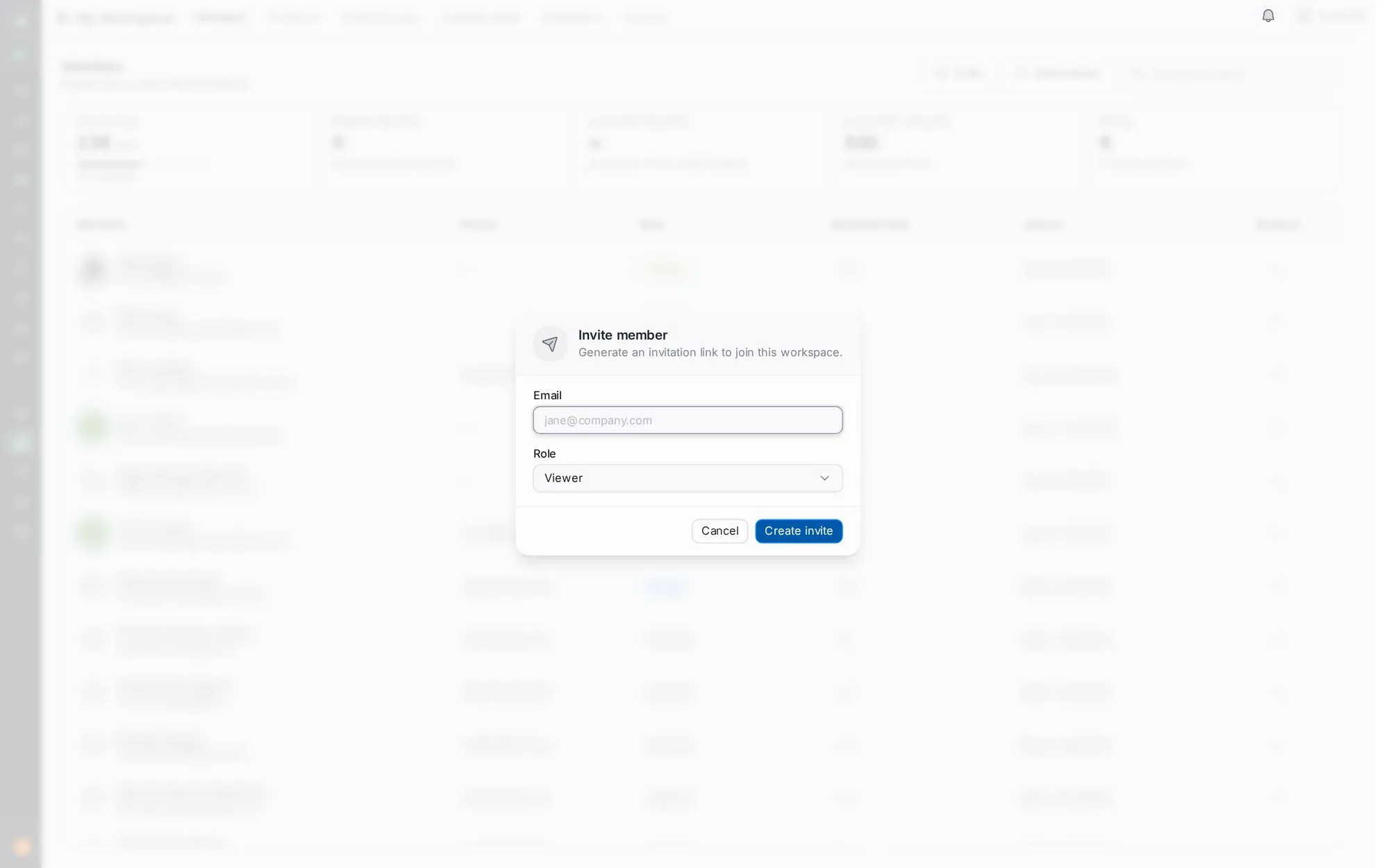
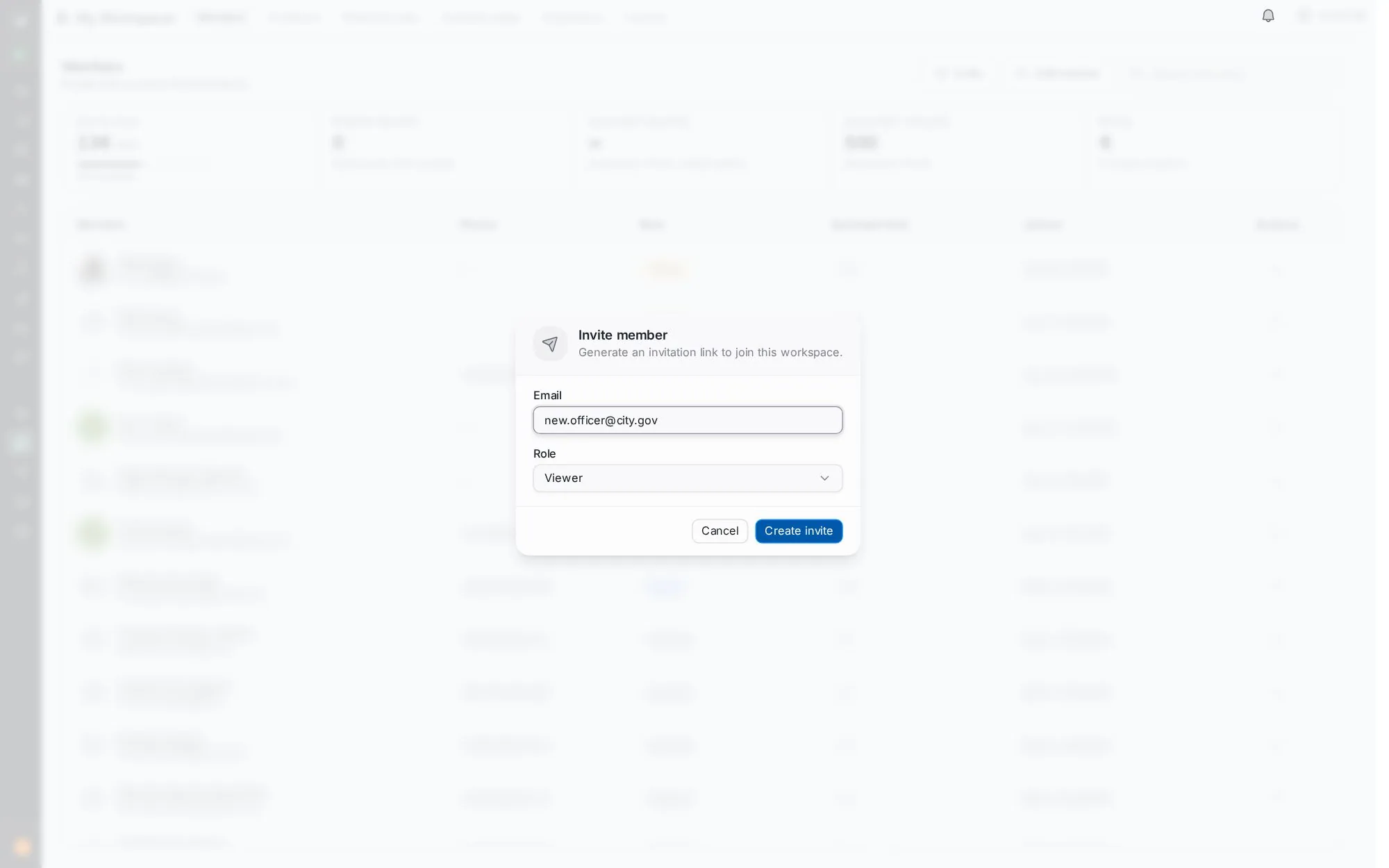
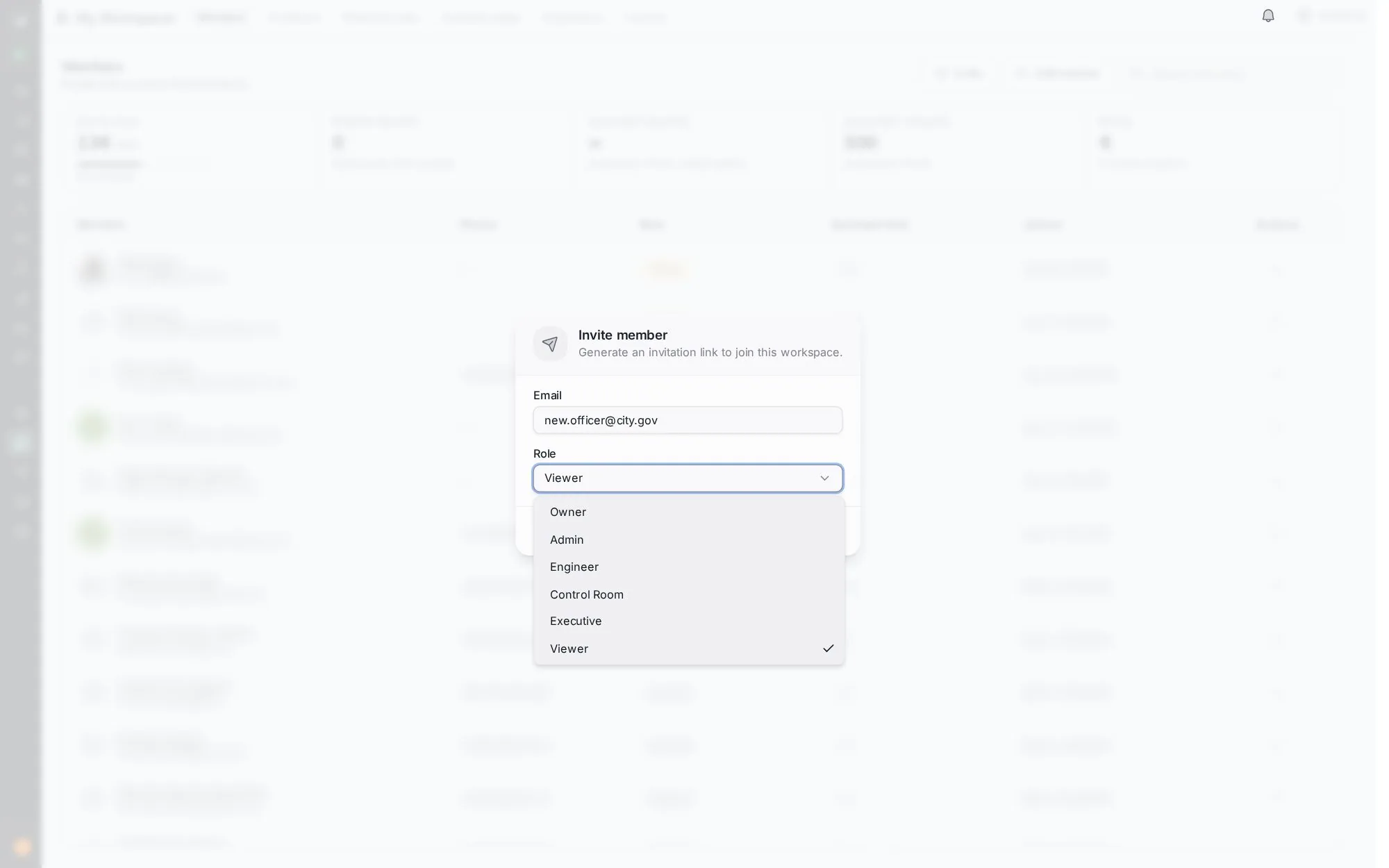
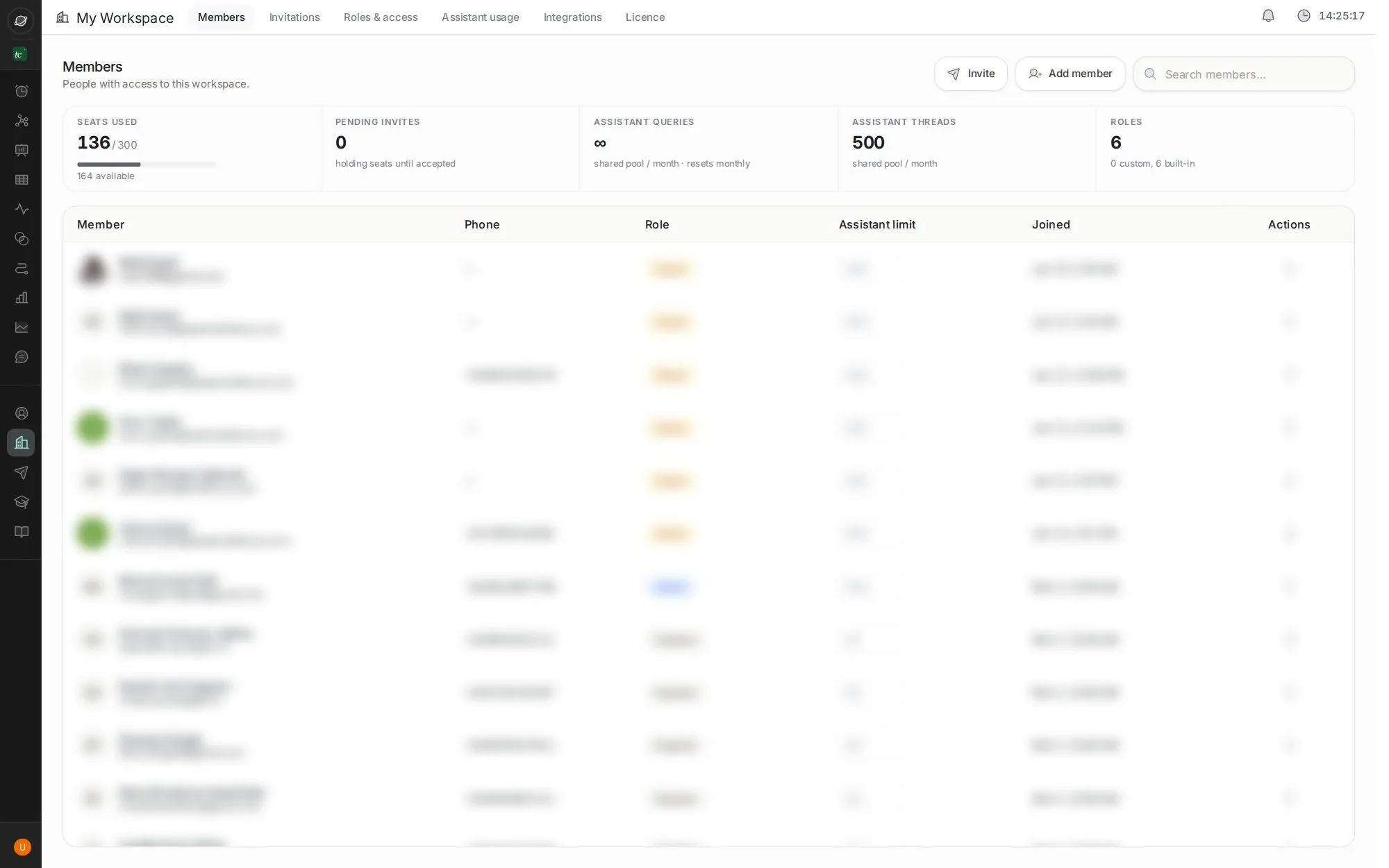
Go to My Workspace → Members and click Invite.
Seats: the counters at the top show seats used and pending invites.
Tip: use ← and → keys. Click the screen to zoom.
Next job
Get TraffiCure on WhatsApp
Ask questions and get reports on WhatsApp, Slack or Google Chat.
Next jobRespond to a slowdown
See what's jammed and why, and get a plan from the assistant.
Every buttonMy Workspace screen
Members, invitations, roles, assistant usage, integrations and your licence.
Verified in the live app · 29 Sept 2026 Screens from a live city workspace. Your city will look different.