
Today · Route Monitoring
Watch a VIP or ambulance route
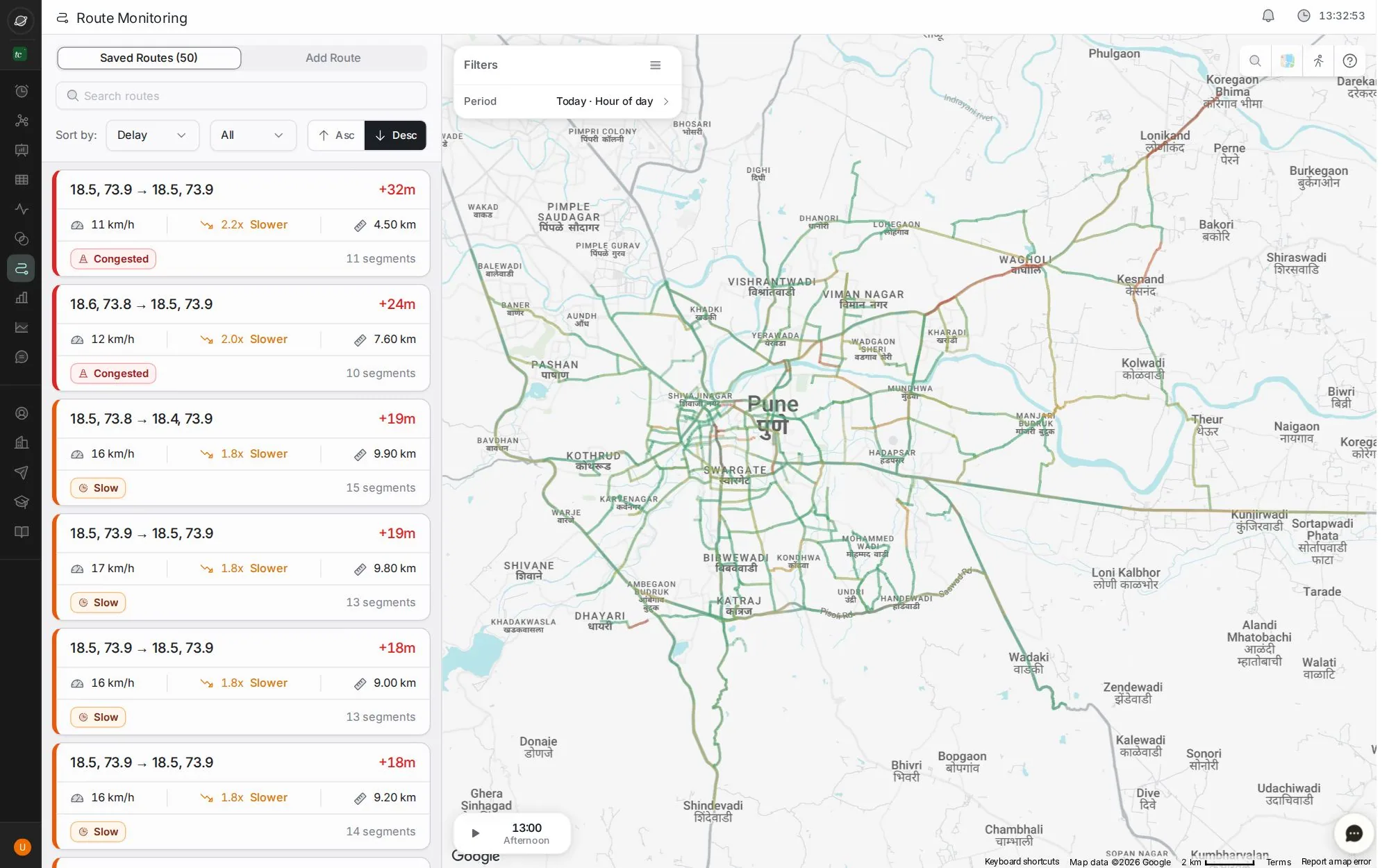
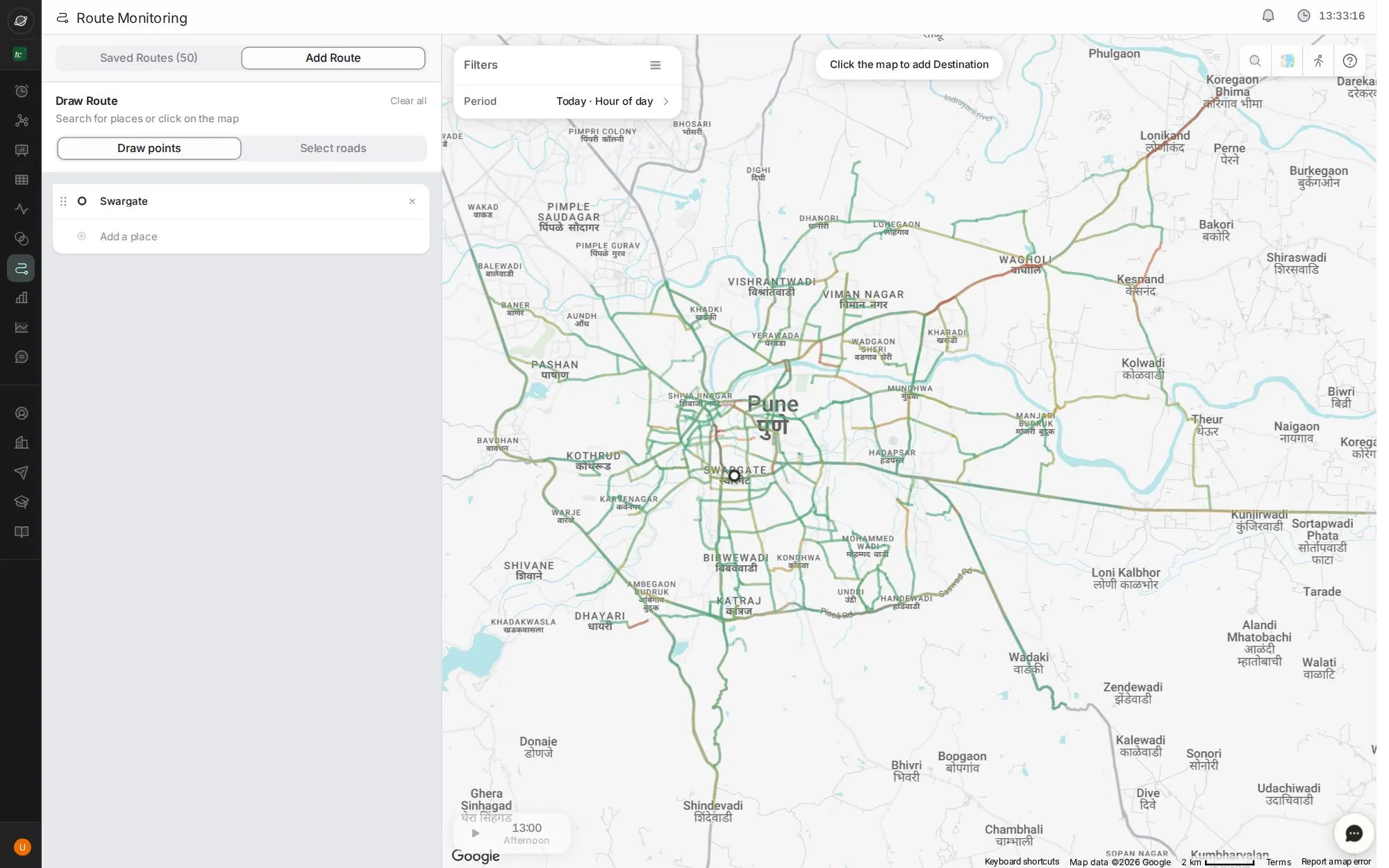
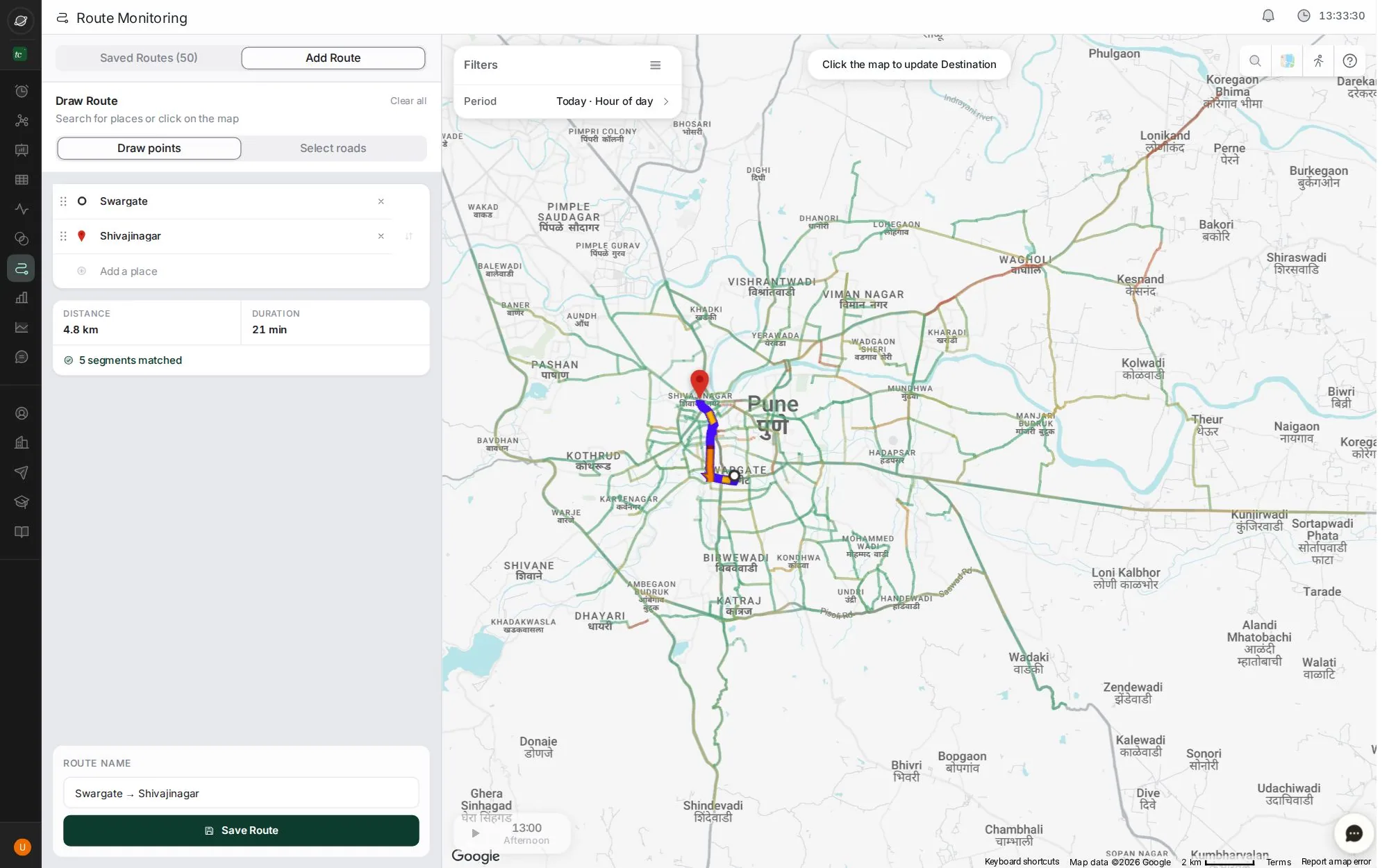
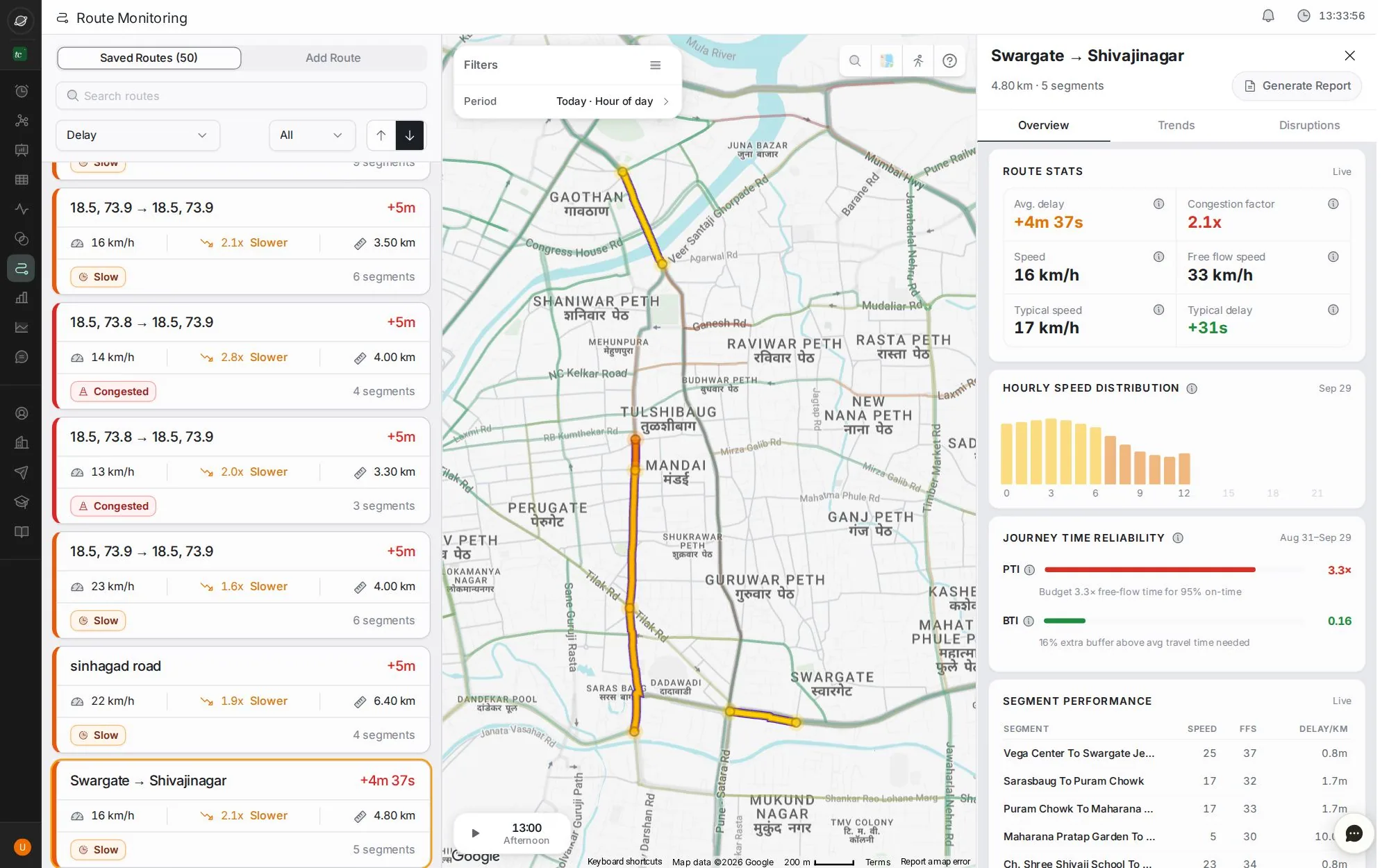
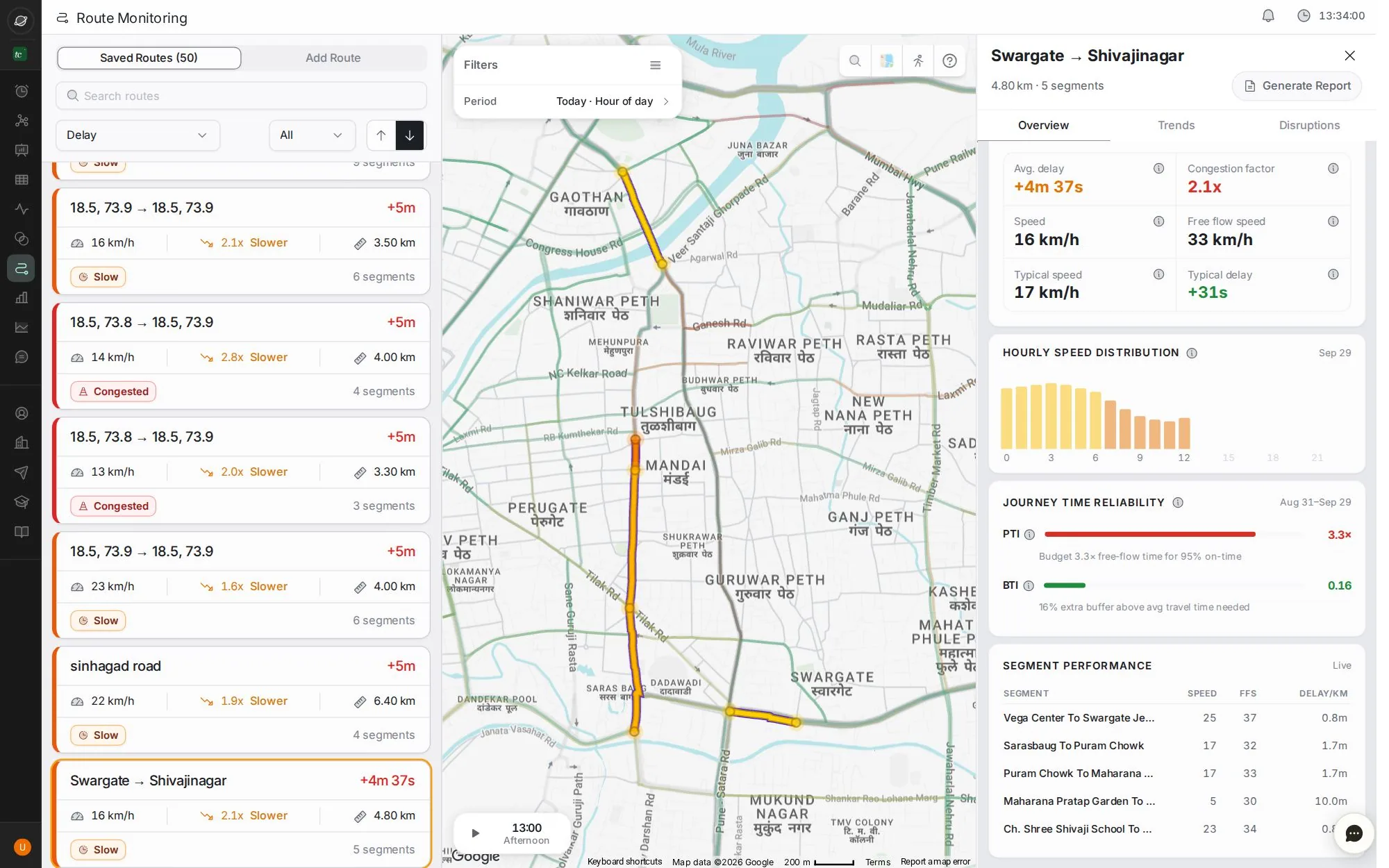
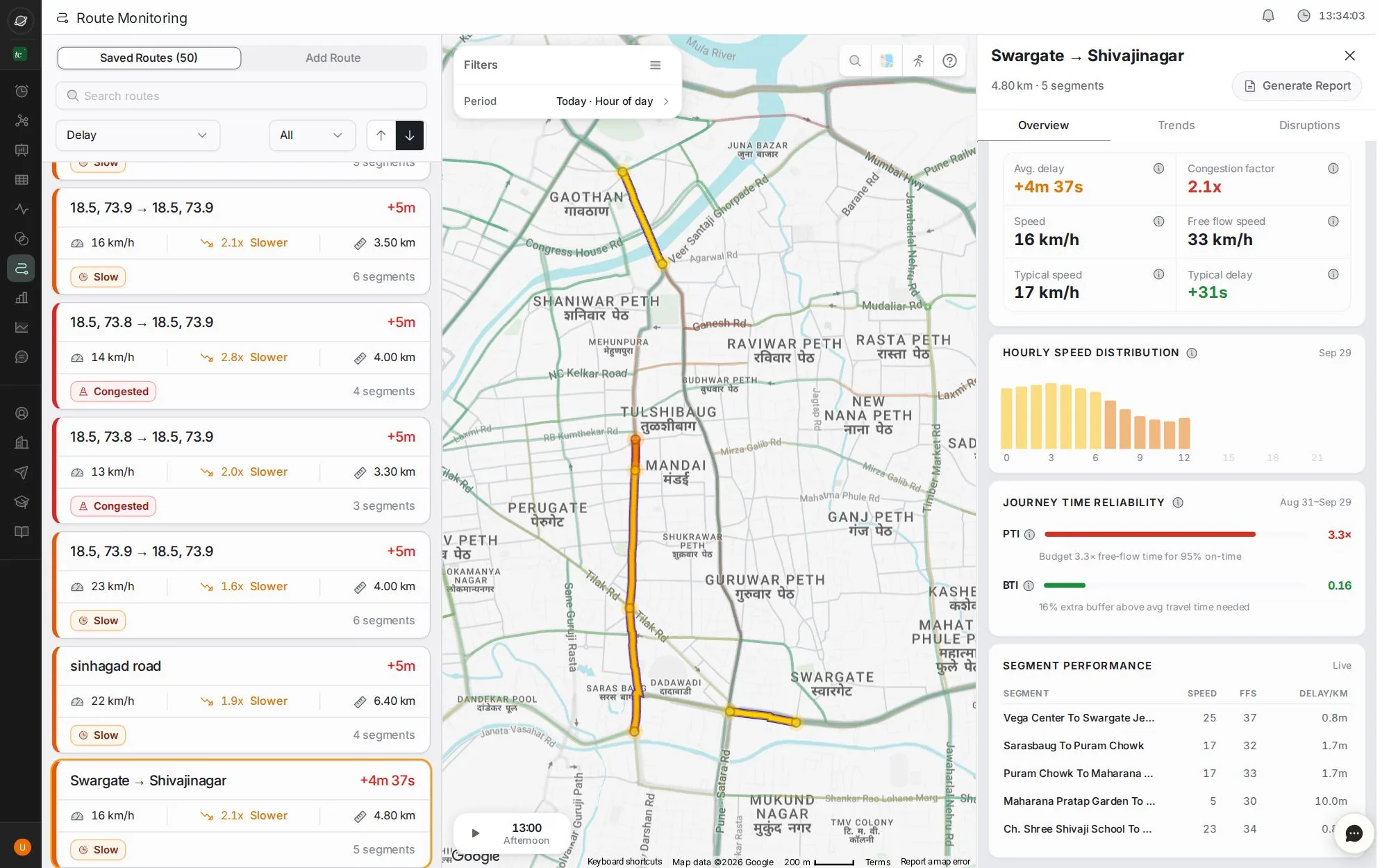
Draw the route before the movement, save it, and see which stretch will slow it down.
8 stepsAbout 2 minClick the blue dot, or press →
Step 1 of 8 · click
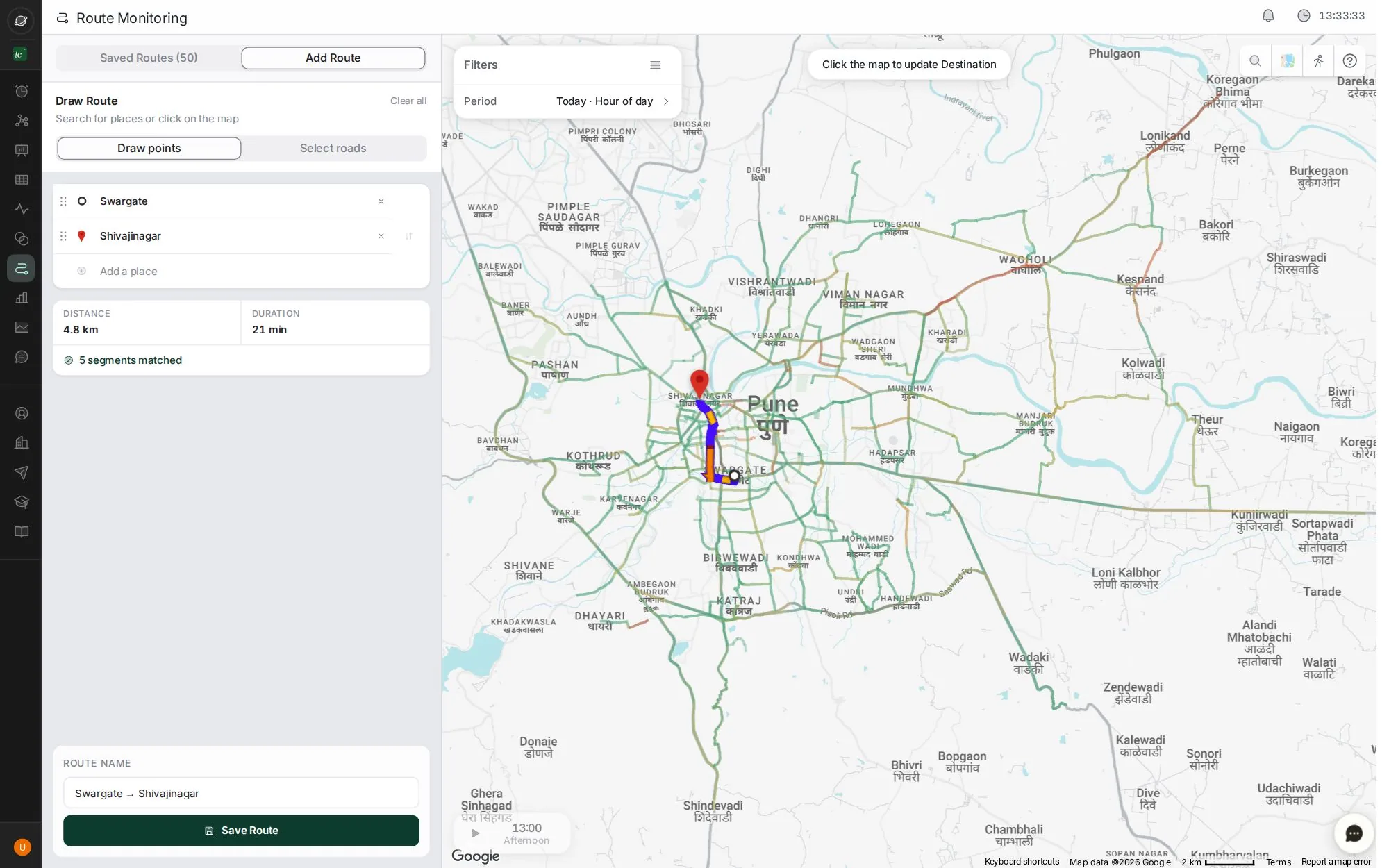
Add a route
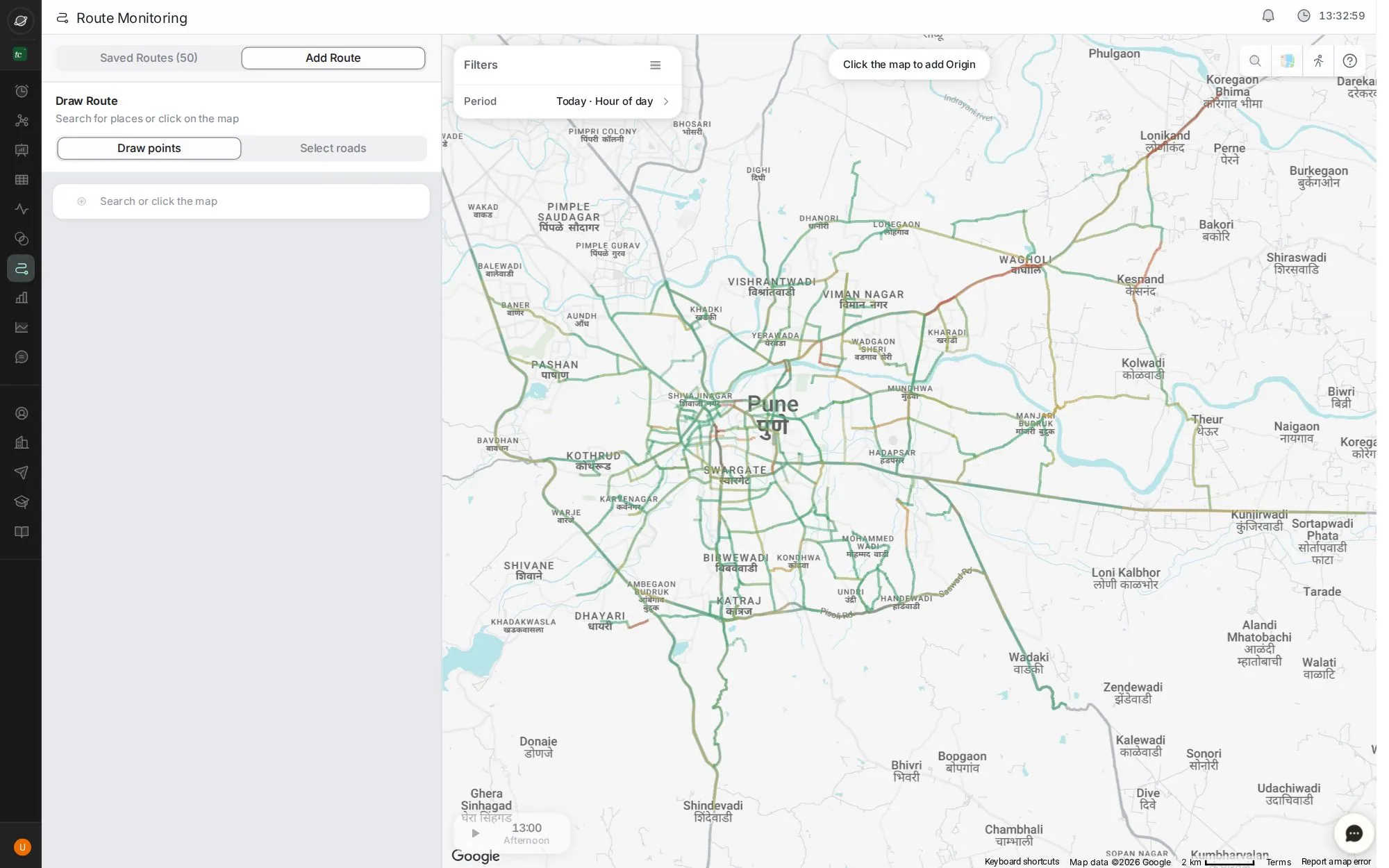
Open Route Monitoring and click Add Route.
Good for: VIP movements, ambulance paths, school runs and bus corridors.
Tip: use ← and → keys. Click the screen to zoom.
Next job
Plan tomorrow's deployments
The roads TraffiCure expects to be worst tomorrow, to plan who goes where.
Next jobFind the worst area in the city
Rank areas by delay at the evening peak, check it repeats, and generate the report.
Every buttonRoute Monitoring screen
Routes your team tracks, with live speed, delay, reliability and a stretch-by-stretch breakdown.
Verified in the live app · 29 Sept 2026 Screens from a live city workspace. Your city will look different.